Cart
0
Complete Your Setup




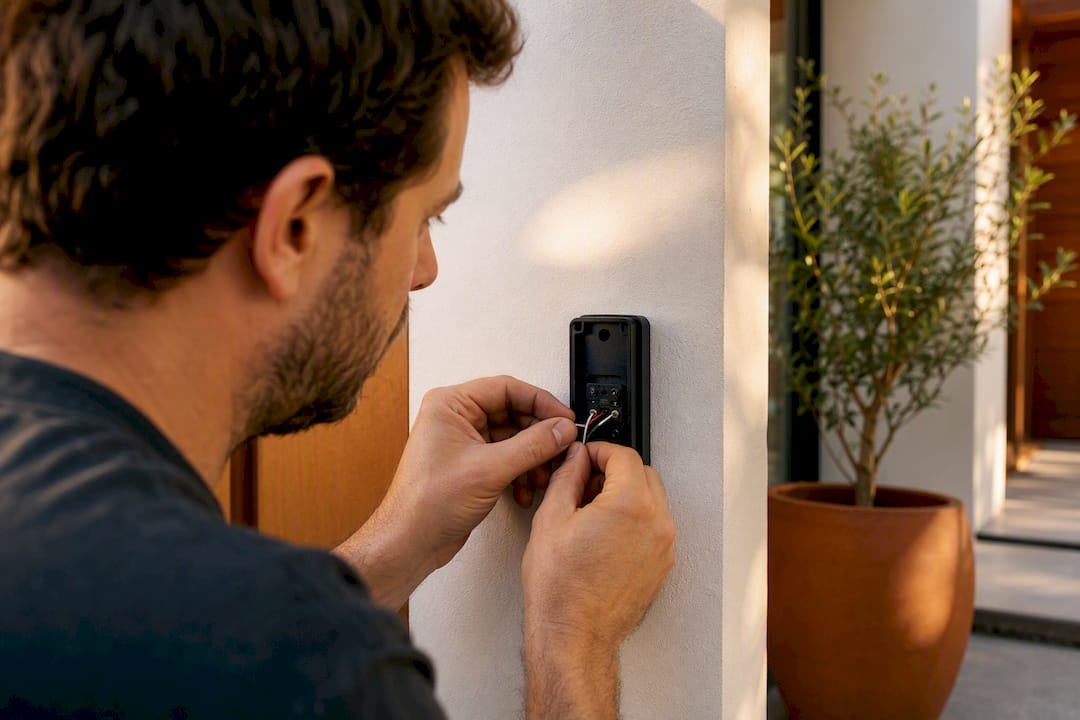
Your existing chime will probably work, but it depends on three things you can check in about ten minutes. Most wired smart doorbells work fine with mechanical and many digital chimes as long as the transformer supplies enough power within the voltage range commonly recommended for these devices, and you install the chime connector or power kit that comes in the box. Battery-only wireless chimes and complex computerized chimes are the common exceptions. Here’s what to check right now:
Doorbell chime compatibility comes down to two electrical facts: how much power your transformer delivers, and what kind of circuitry your chime box uses to make sound. Smart doorbells need constant low-voltage power to run their camera, Wi-Fi radio, and motion sensor, so they draw more than the old mechanical button ever did. If your transformer and chime can supply and route that power correctly, you’re set. If not, you’ll see buzzing, a chime that won’t stop ringing, or a doorbell that never powers on at all.
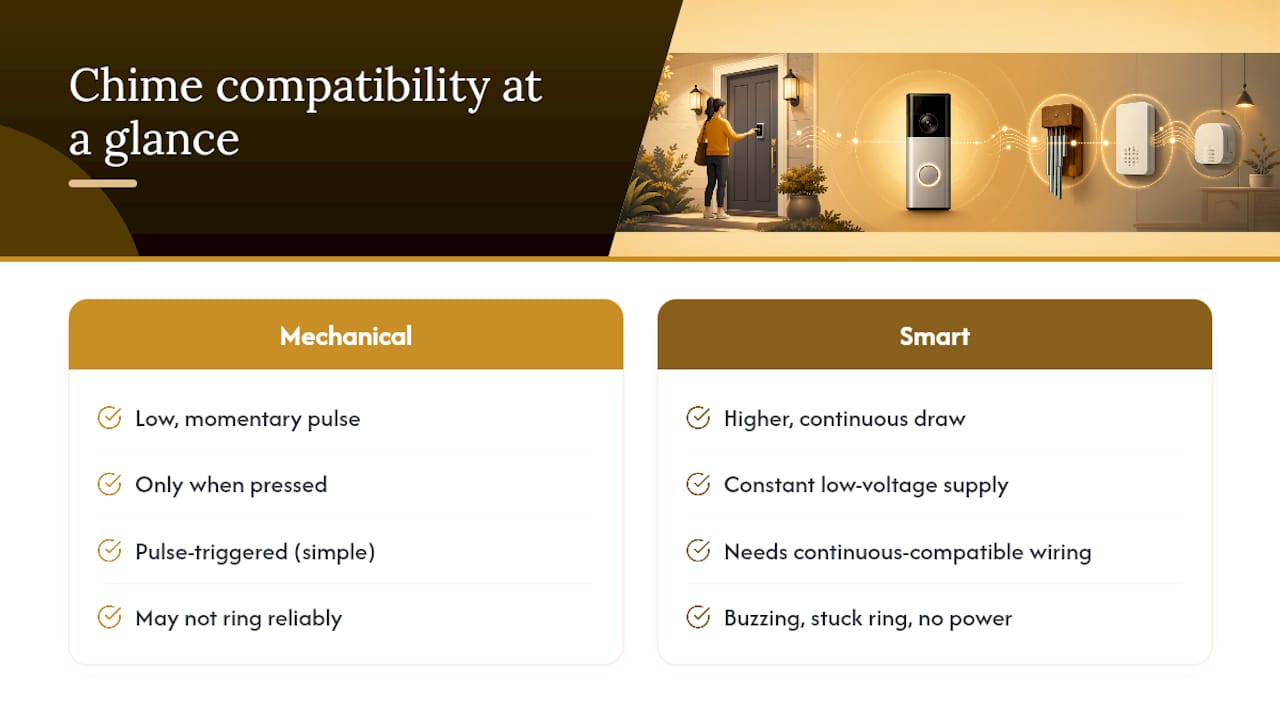
Start by listening. A classic ding-dong means a mechanical chime with a physical hammer striking metal bars. A melody or tone through a speaker points to a digital chime. A single beep, a flash, or total silence usually means you have a battery-only wireless chime with no wired connection at all.
If opening the chime box makes you nervous, skip it. Photograph the exterior, note the brand if it’s visible, and call an electrician or the doorbell manufacturer’s support line instead.
Pro Tip: Snap a photo of the transformer label too, even if you’re not sure what the numbers mean yet. Support reps can often confirm compatibility from that single image.
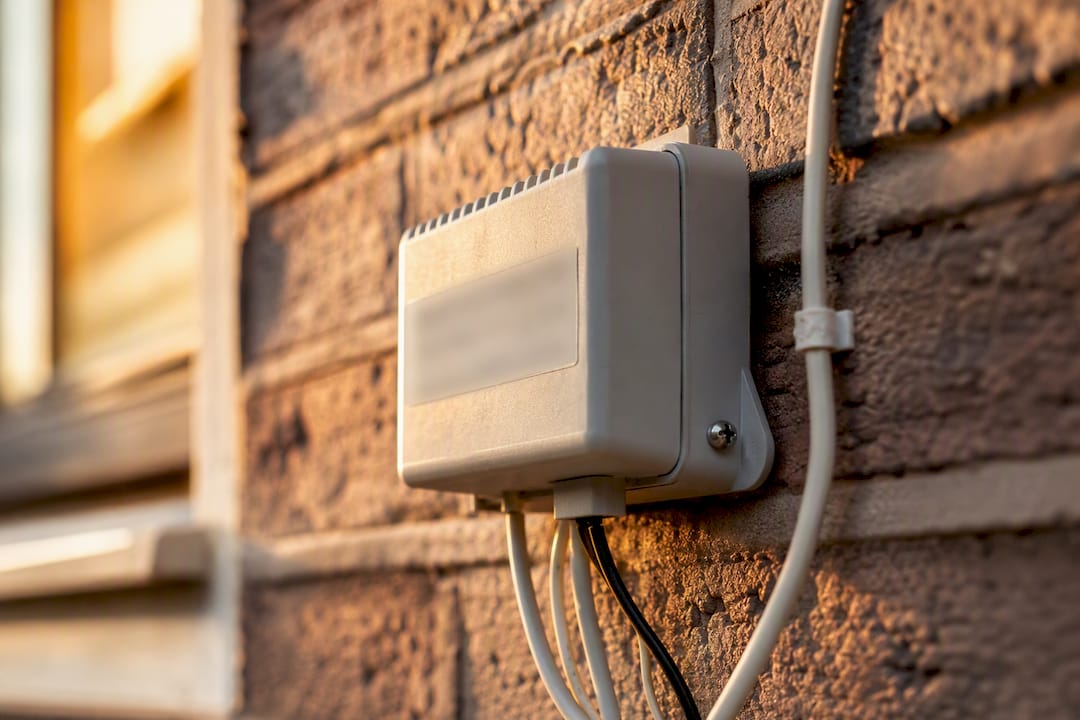
Most camera doorbells need 16 to 24 VAC and enough VA (volt-amps) to run the camera, Wi-Fi chip, and motion detection continuously, not just during a quick button press. That’s a different demand than the momentary jolt an old mechanical doorbell button used to draw.
A reading inside the manufacturer’s stated range is the single most reliable compatibility signal you can get without opening the doorbell’s manual. A reading below spec usually means the transformer is undersized or aging. If that happens, you have three paths: upgrade the transformer, use the doorbell’s included indoor power adapter instead of the chime circuit, or switch to a battery-powered install and skip wired power entirely.
A chime adapter, sometimes called a power kit, sits between your transformer, the smart doorbell, and your in-home chime. It lets the doorbell draw constant power to stay online while still allowing a signal through to ring the physical chime when someone presses the button.
Pro Tip: If your chime box has a small rechargeable cell inside the adapter kit, that’s normal. It’s what lets the chime fire without stealing power from the doorbell itself.
Your setup falls into one of four patterns, and each one points to a fairly predictable outcome.
For the last two categories, don’t force it. Use the doorbell’s built-in wireless chime or a plug-in indoor chime instead, both of which sidestep the wiring problem entirely.
Follow this sequence and you’ll avoid the two most common mistakes: rushing the wiring and skipping the adapter.
If the chime buzzes continuously, recheck the adapter wiring first, then confirm the transformer’s VA rating is high enough. A persistent buzz after both checks usually means it’s time to call an electrician. If the doorbell won’t power up, verify your multimeter reading again, reseat the chime connector, and try the included indoor power adapter as a workaround. Call a licensed electrician whenever a transformer needs replacing or the chime circuitry looks more complex than a simple two-wire setup.
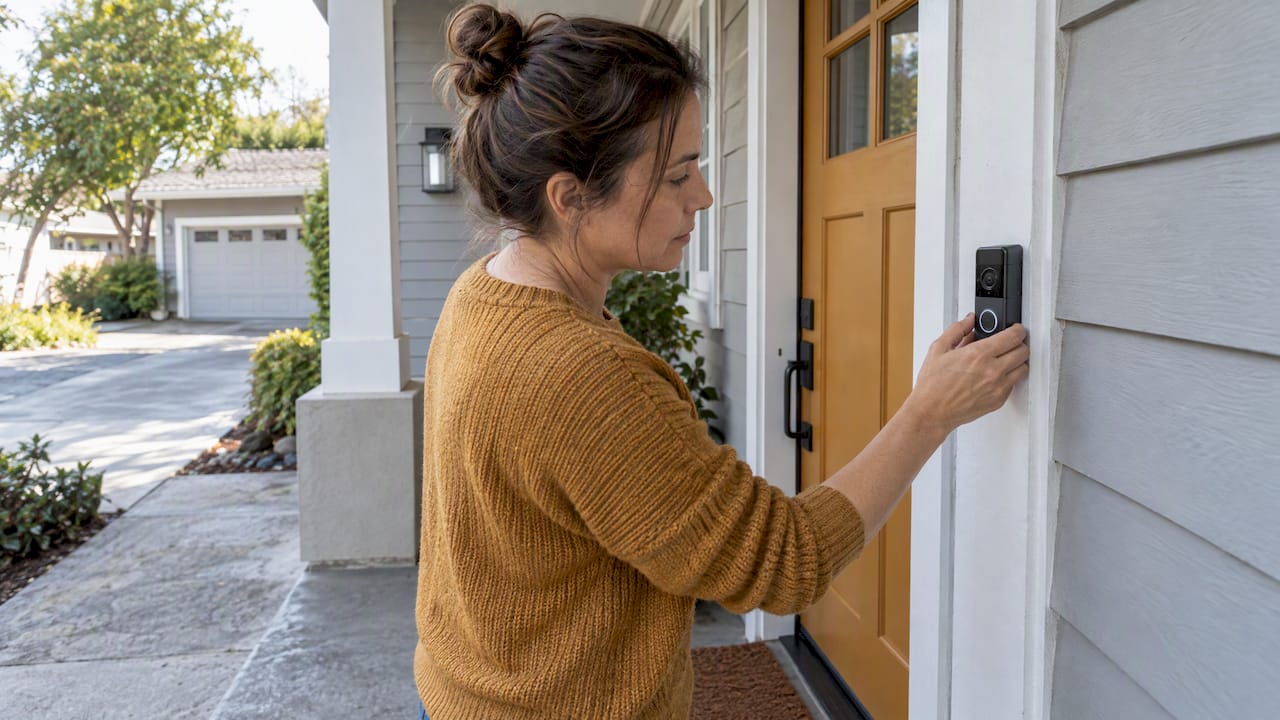
If your transformer reads within spec and your chime is mechanical or a simple digital model, the Entryx™ Smart Doorbell Camera gives you a wired install backed by Sabezon’s own support and installation resources, so you’re not troubleshooting alone.
| Setup | Recommended Path |
|---|---|
| Compatible transformer, mechanical/digital chime | Wired Entryx™ install with chime connector |
| Incompatible or battery-only chime | Wireless plug-in chime or smart-speaker alerts |
| Renter or no wiring access | Battery-powered install, no chime wiring needed |
Here’s the shortcut I’d use. If your multimeter reads 16 to 24 VAC and your chime is mechanical or a basic digital model, install the wired adapter and move on. If the transformer comes up short or your chime box has COM terminals and looks more like a circuit board than a bell, stop fighting it. A wireless alternative will be more reliable long term, and it saves you a service call. Weigh maintenance and power resilience against the appeal of keeping your old chime.
— Tony
Doorbell chime compatibility hinges on transformer voltage, chime type, and whether the correct power adapter gets installed.
| Point | Details |
|---|---|
| Voltage is the deciding factor | A multimeter reading of 16 to 24 VAC is the clearest sign your wired setup will work. |
| Chime type predicts outcome | Mechanical and simple digital chimes fare far better than computerized or battery-only models. |
| Adapters prevent damage | Skipping the required chime connector risks buzzing or burned-out chime circuitry. |
| Wireless is a real fallback | Plug-in chimes and smart-speaker alerts work when wiring is incompatible or unavailable. |
| Sabezon offers a supported option | The Entryx™ Smart Doorbell Camera fits homes with adequate transformer power and gives buyers installation support. |
Sabezon built the Entryx™ Smart Doorbell Camera for exactly the homeowner who just ran through this checklist and found their transformer measures in spec. Instead of piecing together a third-party adapter and hoping it matches your chime brand, Entryx™ comes with documented installation support so you know what you’re wiring before you touch a screw.

If your chime turned out to be battery-only or computerized, that’s fine too. Entryx™ still gives you full app notifications and smart-speaker alerts even without a working in-home chime, so incompatible wiring doesn’t mean giving up on a smart doorbell. Browse the full Smart Home Tech collection to see how Entryx™ fits alongside other connected devices in your home, or head straight to the Entryx™ product page to check pricing and start your order today.