Cart
0
Complete Your Setup






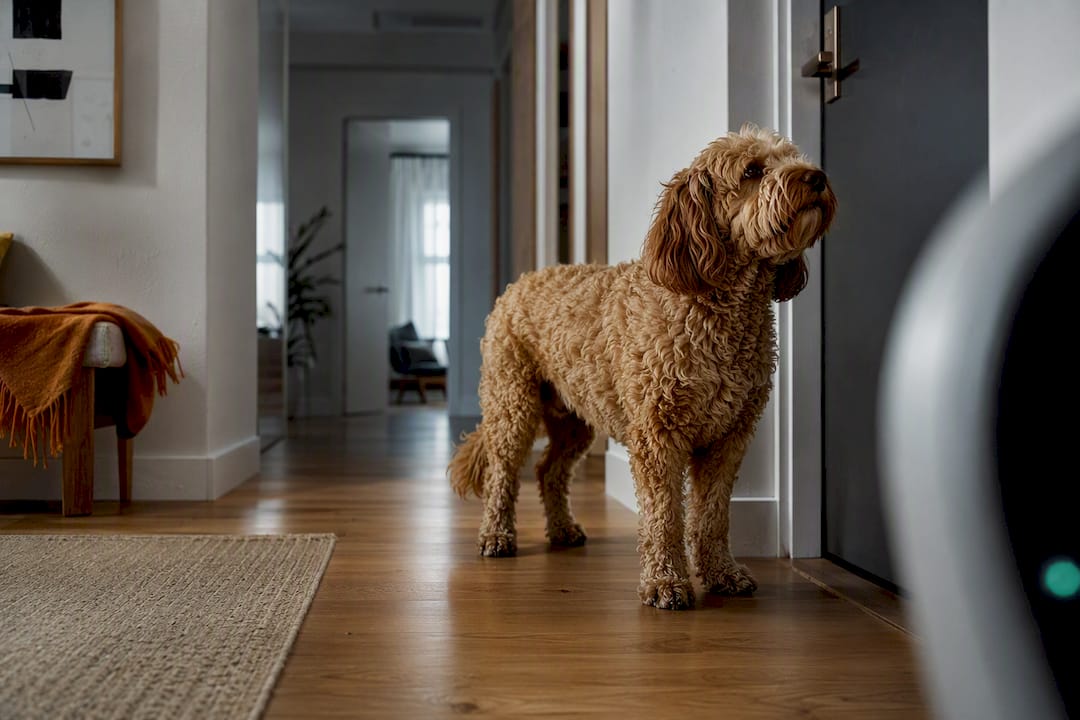
A pet camera can help, but only as a monitoring and training aid, not as a cure. Two things it does well: showing you exactly when anxiety starts (at the door, or ten minutes later) and letting you check in remotely to reassure or calm your dog. The real work happens after you watch the footage: use it to build a desensitization plan, adjust your timing, and loop in your vet if the signs are severe.
TL;DR:
- Cameras are most effective for documenting your dog’s behavior and identifying patterns, rather than directly reducing separation anxiety.
- They reveal whether panic behavior starts at departure cues or develops later, guiding appropriate training adjustments.
- High-quality video with good lighting and continuous recording are crucial for accurately assessing body language and escalation signs.
- Proper placement, stable mounting, and testing at departure times ensure reliable footage and reduce false alarms or missed episodes.
- Using footage to develop gradual, measured desensitization steps and consulting professionals remains essential for effective treatment.
Separation anxiety in dogs shows up as panic, not boredom. The ASPCA lists barking or howling, destructive chewing and digging near exit points, and escape attempts that can cause self-injury as the hallmark signs. A pet camera for separation anxiety gives you a window into all of that without you standing in the room, which changes how a dog behaves and how honestly you can assess it.
This is the core idea behind using a pet safe camera as part of a treatment plan: it doesn’t fix the anxiety, it documents it. That documentation is what makes the difference between guessing at a training plan and building one based on what your dog actually does when you’re gone.
The biggest value of camera monitoring isn’t the video itself. It’s the pattern that shows up after you watch a few sessions back to back.
Timing is the first thing to check. Does your dog start pacing the moment you grab your keys, or does the panic build ten minutes after the door closes? That distinction points to two different problems: one is anticipatory anxiety tied to departure cues, the other is true separation distress. Vet-reviewed behavior guidance notes that recordings reveal whether the reaction starts at the departure cue or later, and that timing shapes how you structure training.
A camera also catches escalation patterns you’d otherwise miss entirely, since you’re not there to see them. Here’s what footage typically reveals that owners get wrong when they guess:
Real-time alerts let you catch a spiral early instead of coming home to a demolished doorframe. Recordings also give you something concrete to hand a trainer or vet, instead of trying to describe frantic pacing from memory. Some cameras add two-way audio or treat dispensers, and for some dogs, hearing your voice calms them down. For others, it triggers more frustration because you’re a voice with no body attached. Watch the first few sessions closely before you decide remote interaction is even worth using with your dog.
Not every camera on the market is built for this job. A doorbell camera watching your porch and a camera meant to document anxiety symptoms have very different priorities.
Video quality and night vision matter more than most buyers expect. Reading body language, stiff posture, tucked tail, flattened ears, requires clear video, and dogs left alone often end up in dim rooms once blinds are closed or the sun moves.
Continuous recording versus motion-triggered clips is the single biggest practical trade-off. Most consumer pet cameras only save short clips triggered by motion or sound, and continuous recording usually requires a paid subscription. If your dog paces quietly rather than barking, a motion-only camera might miss the whole episode.
Two-way audio latency is not a minor spec. A half-second delay between when you speak and when the sound reaches your dog is confusing for a human on a video call. For a dog trying to make sense of a disembodied voice, that lag can turn a reassurance attempt into a source of stress. Reviews of consumer models have documented audio lag and cloud dropouts that undercut the reassurance the feature is supposed to provide.
A few more things worth checking before you commit:
Camera placement determines whether your footage is useful or a waste of a subscription. Guidance from veterinary behavior sources is specific here: show the entire area your dog can access, keep a clear view of the exit or doorway, and avoid placing the camera on the floor.
Pro Tip: Test your camera’s angle at the exact time of day you’ll normally be gone. A spot that looks perfectly lit at 9 a.m. can go dark or glare-heavy by 2 p.m., and that’s exactly when you need the clearest view.
Watching your dog panic on camera is only useful if it changes what you do next. This is where a lot of owners stall out: they collect video but never use it to adjust anything.
Start small. A workable progression looks like this:
This stepwise approach mirrors the training progression the ASPCA recommends: short sessions, objective metrics, and no jumping ahead of what the dog can handle.
A few practical notes on what to track and share:
Your vet may weigh training progress against medication decisions, and clear footage with timestamps gives them something concrete to evaluate instead of a secondhand description.
A camera monitors. It does not desensitize, medicate, or replace a structured plan. That distinction gets lost when a product is marketed as a solution rather than a tool, so it’s worth stating plainly: treating separation anxiety is behavior modification work, sometimes paired with medication from a vet, and the camera’s job is to inform that work, not perform it.
Stop any remote interaction immediately if it seems to increase distress rather than calm it. A dog barking harder after hearing your voice through a speaker isn’t reassured, it’s more frustrated. Laggy audio or a treat dispenser that jams can make things worse in exactly the moments you meant to help.
Watch for these red flags on footage, and treat them as a reason to call a professional rather than keep adjusting the training schedule on your own:
There are technical limits too. Unreliable recording, subscription paywalls that gate your own footage history, and false alerts that train you to tune out notifications all chip away at how useful the camera actually is. None of that is a reason to skip monitoring, but it’s a reason to test a device honestly before trusting it with something this important. If you see any of the red flags above, call your veterinarian or a certified applied animal behaviorist rather than waiting to see if the next session improves on its own.
Some dogs react to the camera before they react to being alone. A blinking light, a faint motor sound when the lens pans, or a speaker suddenly playing your voice can all register as something new and slightly alarming to a dog already on edge.
Watch the first few sessions specifically for this. If your dog stares at the camera, barks at it, or seems more agitated right after it activates than before, the device itself may be adding to the problem rather than documenting it. That’s a different issue from separation anxiety, and it’s worth ruling out before you build an entire training plan around footage that’s partly measuring camera-induced stress.
A few adjustments usually solve this. Give your dog a few calm, low-stakes days with the camera running while you’re still home, so the sound and light become background noise rather than a novel event. Keep the volume on any two-way speaker low at first. If a treat dispenser makes a loud mechanical noise when it fires, test it while you’re in the room before ever using it remotely.
The goal is a camera that fades into the environment. If it never does, that’s useful information too. It tells you the setup needs adjusting before the footage can be trusted to reflect anything other than the dog’s reaction to the device itself.
A camera works best as one piece of a larger routine, not the centerpiece of it. Dogs with separation anxiety generally do better when the hours before you leave are calm and predictable, not rushed or emotionally charged.
Exercise before departure matters more than most owners give it credit for. A dog that’s had a real walk or play session is physically primed to rest, which makes the early minutes alone easier to get through. Pair that with environmental enrichment, a food puzzle, a frozen stuffed toy, background noise like a fan or white noise machine, and you’re giving your dog something to do besides fixate on the door.
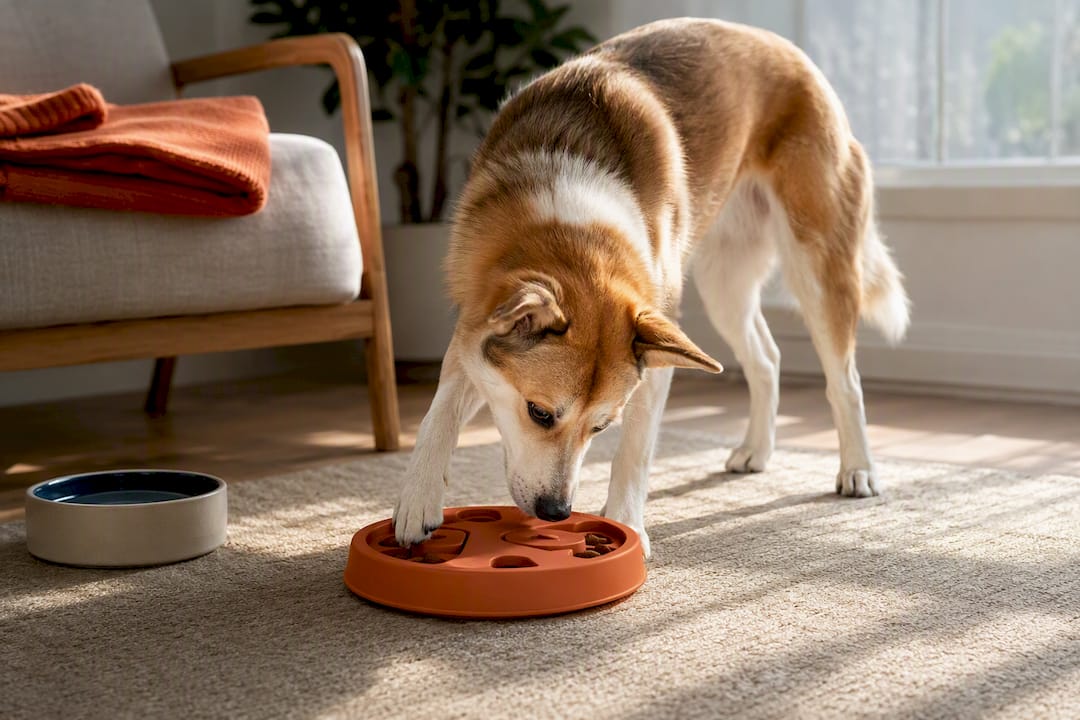
Use the camera to check whether those measures are actually working rather than assuming they are. If your dog ignores a puzzle toy on camera every single time, it’s not doing its job and needs to change. If background noise seems to correlate with calmer sessions, that’s worth confirming across a few more departures before you call it a pattern.
None of this replaces a structured desensitization plan if the anxiety is moderate to severe. But for dogs on the milder end, combining exercise, enrichment, and camera-verified feedback often closes the gap without needing medication or a full behaviorist consult.
Getting a camera to actually deliver usable footage comes down to installation more than most people expect. Improper mounting or connectivity issues can result in gaps right when clear footage is most needed.
Setting up smart-home devices around the house reinforced a simple pattern: stable mounts and straightforward setup cut down on the false negatives that make monitoring unreliable. A camera that’s slightly crooked or losing signal doesn’t just annoy you, it can miss critical moments that provide important information.
None of that changes the core point. A camera, ours or anyone else’s, is a monitoring aid. It supports a behavior plan. It doesn’t replace one, and it never replaces a vet’s judgment when the signs point to something serious.
— Tony
If you’ve read this far, you already know what a good pet camera needs to do: clear video, low-latency audio, a stable mount, and footage you can actually share. One smart pet camera option is built around that list, offering easy setup, stable streaming, and simple sharing options if you want to send a clip to your vet or trainer.
Worth repeating here: the Watchly™ is a monitoring tool, not a treatment. It won’t desensitize your dog or replace a behaviorist’s guidance. What it does is give you a reliable, honest window into what happens when you’re gone, so the decisions you make next, about training pace, about calling your vet, about whether remote interaction helps or hurts, are based on what actually happened instead of a guess.
If you’re ready to set one up, check out the Watchly™ Smart Pet Camera or browse the full range of Smart Home Tech for mounts and accessories that pair well with it.
No. Even a well-adjusted dog needs food, water, exercise, and bathroom breaks that no camera can provide; a dog with separation anxiety needs supervision or a sitter, not just a camera watching an empty house for days at a stretch.
Look for new or worsening barking, howling, destructive chewing near doors, pacing, or escape attempts that weren’t there before, all recognized signs the ASPCA lists, and record a session on camera so you have something concrete to describe to your vet.
The 3-3-3 rule is commonly used for newly adopted dogs adjusting to a new home (3 days to decompress, 3 weeks to learn routine, 3 months to feel settled), not a formal separation-anxiety treatment protocol; for an existing dog’s separation anxiety, the ASPCA’s short, progressive departure method is the more directly relevant approach.
Treat-tossing and two-way audio features can help some dogs feel reassured, but reviews note they work best as engagement tools alongside a real training plan, not as a standalone fix, and some dogs find the audio and dispenser noise stressful rather than calming.
The Watchly™ Smart Pet Camera gives you clear video and audio to monitor and document your dog’s behavior while you’re away, which supports a training plan, but it’s a monitoring tool, not a treatment, and severe anxiety still calls for a vet or certified behaviorist.