Cart
0
Complete Your Setup





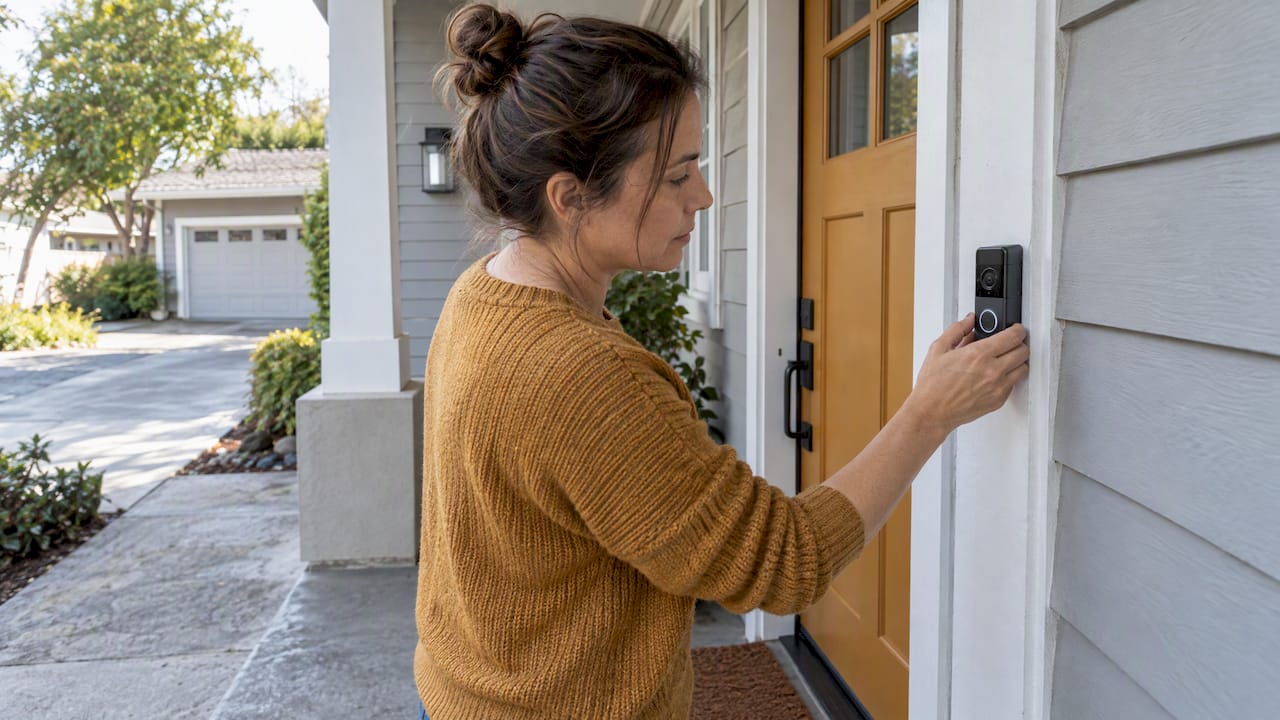
Yes, doorbell cameras are lawful on US homes when they record public-facing areas like your porch and driveway. Audio recording and biometric features carry more legal risk depending on your state. If you are not sure about your state’s audio consent rules, disable the microphone or switch to two-way push-to-talk only. Angle your camera toward your own entryway, and secure your cloud account with a strong password and multi-factor authentication.
TL;DR:
- Recording video of your own porch or driveway typically presents low legal risk as it involves areas with no reasonable expectation of privacy.
- Audio recording, especially in all-party consent states, can lead to legal issues if microphones are active or if conversations are unintentionally captured.
- Mounting a camera at 48 to 54 inches with a downward tilt helps ensure clear facial capture while minimizing the risk of capturing neighbor properties or private spaces.
- Terms in HOA rules, lease agreements, or shared property guidelines may restrict camera placement or aesthetic modifications despite legal permissiveness at the state level.
- Manufacturers’ policies and data handling practices, especially regarding facial recognition and cloud storage, influence privacy risks and should guide homeowner choices.
The starting point for doorbell camera law is the Federal Wiretap Act. Under 18 U.S.C. § 2511, federal law generally follows a one-party consent rule for audio recording. That means if you are a party to a conversation, or you have the consent of at least one participant, recording the audio is generally permitted under federal law.
States are free to set stricter rules, and many do. A number of states require all-party consent, meaning every person in a recorded conversation must agree to being recorded before it is legal. This creates a patchwork: what is fine in one state can expose you to civil or even criminal liability in another. The gap between the federal one-party standard and a state’s all-party standard is where most homeowner risk lives, especially for a device that is always listening near a public sidewalk or shared walkway.
Because state statutes use different definitions of “oral communication” and “expectation of privacy,” the practical effect of a law can differ even between neighboring states with similar-sounding rules. If your doorbell camera captures conversations happening near your door on a regular basis, it is worth reading your state’s actual statute text rather than relying on generic summaries. When the situation is ambiguous, for example a shared porch, a duplex entry, or a business use case, a short conversation with a local attorney is a smarter move than guessing.

Video and audio are treated very differently under the law, and understanding that split is the single most useful thing a homeowner can learn. Recording video of your own porch, driveway, or front yard is generally treated like taking a photo of your own property: low legal risk, because there is no reasonable expectation of privacy in what is visible from a public sidewalk or street. Audio is a different animal. Capturing a conversation, even an accidental one between two neighbors talking near your gate, can trigger wiretapping or eavesdropping statutes if your state requires all-party consent.
A widely cited state-by-state guide reports that doorbell audio creates real legal exposure in roughly a dozen all-party consent states, with penalties that can include civil damages or criminal charges depending on the jurisdiction. Because the list and penalties vary and can change, check your own state’s current statute rather than relying on a single article, including this one.
Practical mitigation is simple. Disable the microphone entirely if you are unsure of your state’s rule, or limit audio to two-way push-to-talk conversations you initiate yourself. Adding visible signage that a camera and microphone are in use, and keeping a written record of any consent you obtain from regular visitors, gives you a paper trail if a dispute ever comes up.
Courts and legal commentary lean on a “reasonable expectation of privacy” test to decide when surveillance crosses from lawful to actionable. Legal scholarship on smart doorbells explains that this test asks whether the person being recorded had a genuine expectation of privacy in that space, and whether society would consider that expectation reasonable. A person standing on your porch step has little expectation of privacy. A person inside their own fenced backyard or visible through their own bedroom window has a strong expectation of privacy.
The distinction between incidental capture and targeted surveillance matters here. A doorbell camera that happens to catch a sliver of a neighbor’s driveway while filming your own entryway is very different from a camera deliberately angled to watch through a neighbor’s window or into their fenced yard. The first is a normal side effect of home security. The second can support an intrusion-upon-seclusion claim.
Keep placement simple: point the lens at your own porch, walkway, and driveway, and avoid angles that sweep across a neighbor’s windows, pool area, or fenced yard. If your lot layout makes that hard, a narrower field of view or a physical privacy mask in the camera’s software settings can trim out the parts of the frame you do not need.
Even when state and federal law give you the green light, your homeowners association or lease might not. HOAs commonly regulate where exterior devices can be mounted and how they look, and some governing documents specifically address security cameras, though several states carve out exceptions that protect a homeowner’s right to install a doorbell camera for safety purposes.
Renters face a separate hurdle. A lease may require landlord approval before you attach anything to a shared entry, and common hallways or shared porches complicate the “your own property” argument that makes video capture low risk. Before installing anything, check your HOA’s covenants or your lease, request written approval when the rules are unclear, and choose a placement that satisfies both your security needs and the property’s aesthetic requirements.
Doorbell cameras generally store footage in one of two ways: locally on a device you control, or in the manufacturer’s cloud. Local storage keeps footage out of third-party hands but usually means more manual management on your end. Cloud storage is more convenient and often enables features like extended history, but it also means your footage lives on someone else’s servers, subject to that company’s policies.
Law enforcement typically needs a warrant or subpoena to compel a company to hand over footage, though some manufacturers have historically shared footage voluntarily in emergencies. Knowing your provider’s policy before an incident happens saves confusion later.
Regulatory action gives a useful preview of what “good” looks like. The FTC’s stipulated order against Ring required the company to delete certain recordings, build out a comprehensive privacy and data-security program, and stop misrepresenting its privacy and security practices. That order signals what regulators expect from any manufacturer: access controls, deletion policies, and honest marketing. Homeowners are smart to favor vendors that already operate this way rather than waiting for an enforcement action to force the issue.
Reducing your risk does not take a law degree, just a short list of habits.
Pro Tip: Review your camera’s privacy zone settings once a season, since trimmed hedges, new fences, or a repositioned patio set can quietly change what your lens actually captures.
Placement does a lot of the legal work for you. Mounting a camera between 48 and 54 inches high with a 10 to 15-degree downward tilt tends to frame faces clearly at your door while keeping the field of view narrow enough to avoid sweeping across a neighbor’s property. That range also lines up with typical doorbell camera placement guidance for capturing clear faces at eye level.

Once mounted, spend five minutes in the app: enable privacy zones to mask out any neighboring windows or yards in frame, and turn off audio recording if your state leans toward all-party consent. Then lock down the account itself: a unique password, multi-factor authentication, and automatic firmware updates cover most of the account-security basics that separate a well-run home security setup from an exposed one.
Adding facial recognition or other biometric features to a doorbell camera introduces a separate legal category entirely. A handful of states have biometric privacy statutes, the best known being Illinois’s Biometric Information Privacy Act, that regulate how faceprints and other biometric identifiers can be collected, stored, and shared, often requiring written consent before collection.
Consumer Reports’ analysis of facial recognition in home cameras points out that local processing, where the facial matching happens on the device itself, reduces the risk of that biometric data being shared with third parties compared with cloud-based systems that send faceprints off-site for analysis. For a homeowner, that difference is not academic: a camera that recognizes a face and stores that faceprint in the cloud is collecting a more sensitive category of data than one that simply records video.
If your device offers facial recognition, treat it as an optional feature rather than a default. Read the manufacturer’s policy on where faceprint data is processed and stored, and if you live in a state with a biometric privacy statute, understand that turning the feature on may trigger consent obligations you do not have with video alone. When in doubt, leave facial recognition off and rely on motion detection and video review instead.
Getting the legal details right is not just about avoiding a lawsuit. Cameras aimed carelessly at a neighbor’s yard or picking up conversations without consent are the single biggest cause of neighbor disputes and formal complaints. A little restraint in how you angle and configure your camera goes a long way toward keeping your street on good terms.
Good security and good neighbor relations are not in tension. A camera that watches your own porch, respects your neighbor’s privacy, and keeps its account locked down does its job without creating friction. That balance is worth protecting.
— Tony
Some smart home products aim for simple setup and reliable performance, and some doorbell cameras follow that same thinking. It gives you adjustable privacy zones and audio controls so you can frame your porch and driveway without sweeping into a neighbor’s space.

Setting it up the right way is quick:
If you want a doorbell camera that is easy to configure the compliant way from day one, check out the Entryx™ Smart Doorbell Camera or browse Sabezon’s full smart home tech collection for other practical, privacy-minded devices.
This article is general information, not a substitute for advice from a qualified lawyer. Consult a qualified legal professional about your own circumstances before acting on anything here.
A Ring doorbell itself is not a privacy violation; how and where you use it determines that. Recording your own porch and driveway is generally low risk, while pointing the camera into a neighbor’s window or capturing conversations without consent in an all-party consent state can create real exposure.
You are not generally required to disclose video recording of your own public-facing entryway, but audio is a different story in states with all-party consent rules. Posting a small notice near your door is a simple way to cover both bases and reduce disputes with visitors or neighbors.
A neighbor can generally record what is visible from their own property, including a shared or adjacent porch area, without violating your privacy in most cases. Problems arise when the camera is deliberately angled into a space where you have a reasonable expectation of privacy, such as your windows or fenced backyard, which courts treat differently from incidental capture of public-facing areas.
Concerns generally center on data handling, audio recording risk, and how footage is stored or shared rather than the devices being inherently illegal. Regulatory action like the FTC’s stipulated order against Ring, which required stronger privacy and security programs, reflects exactly the kind of data-handling concerns driving that hesitation.