Cart
0
Complete Your Setup




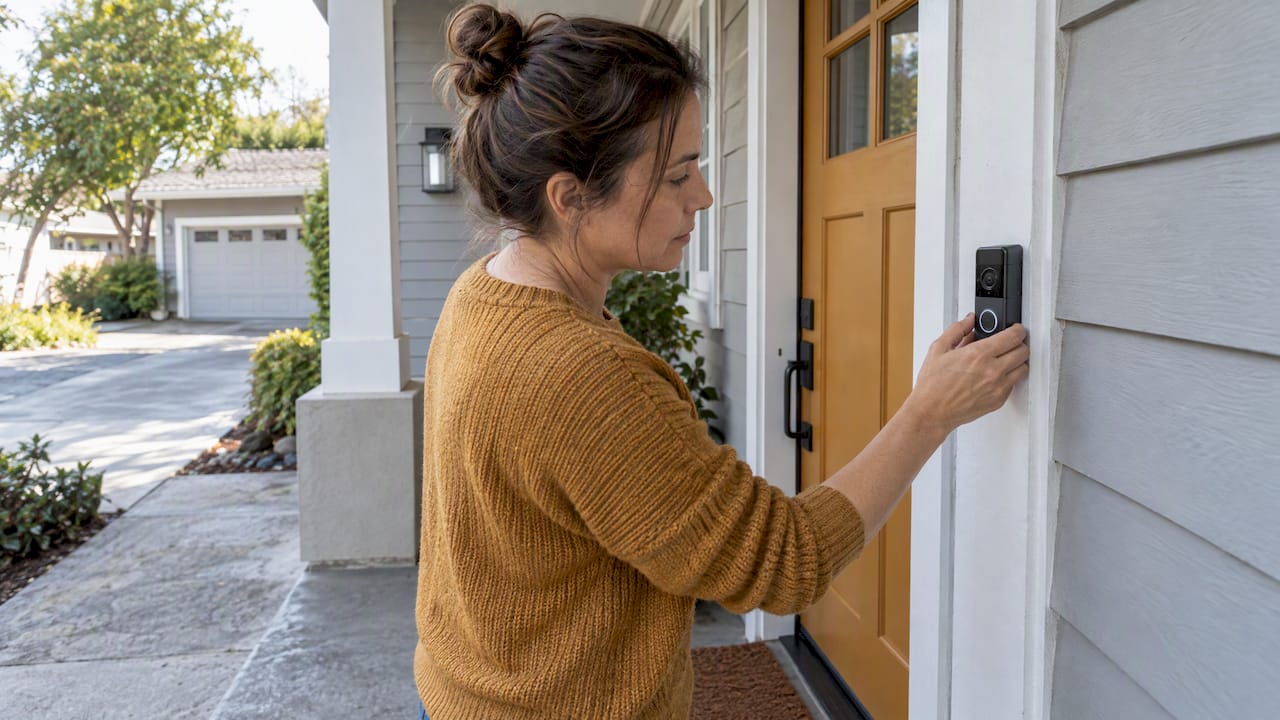
Most doorbell cameras cost $40 to $100 for budget models, $100 to $200 for mid-range picks, and $200 or more for premium units with 4K resolution and advanced AI. Monthly subscriptions run free to $15, with most people landing between $3 and $8 for standard cloud storage and smart alerts. Add $120 to $500 if you’re hiring a pro to handle wiring, and you’ve got the full picture before you swipe your card.
TL;DR:
- Budget models around $40 to $100 provide basic 1080p video and two-way audio but vary widely in durability, especially in harsh weather conditions.
- Subscription costs typically range from $3 to $15 monthly, with most households paying $3 to $8, which over five years can surpass the initial camera price.
- Professional installation can add $120 to $500 to the total cost, especially when rewiring or multiple doorbell setups are necessary.
- Features like 2K or 4K resolution, advanced AI, and weatherproof housing significantly increase the price, but may not be worth the extra expense for casual users.
- Choosing a subscription-free model reduces long-term costs but risks losing footage if the camera is stolen, and often provides fewer smart alert filters.
The doorbell camera cost conversation always starts with the hardware, and that’s the part most shoppers get wrong. They assume a higher price tag automatically means better security. It usually means better convenience features, not necessarily sharper detection or tougher build quality.
Budget models, typically priced between $40 and $100, cover the basics: 1080p video, motion alerts, and two-way audio. These work fine for a small porch or a quiet street where you mainly want to see who rang the bell. Durability varies a lot in this tier. Some budget units survive years outdoors; others start glitching after one harsh winter.
Mid-range doorbell cameras add sharper image processing, better low-light performance, and more reliable app connectivity, priced higher than basic models. This is where most households land, and for good reason: you get noticeably better footage clarity without paying for features you’ll never touch.
Premium models push past $200 and sometimes hit $250. You’re paying for 2K or 4K resolution, wider fields of view, on-device AI that reduces false alerts, and often sturdier weatherproof housings rated for extreme temperature swings. Device pricing across the market typically lands between $40 and $250. The jump to premium tiers usually buys you smarter software, not just a bigger sensor.
A few factors move a camera from one band to the next:
Sabezon’s Entryx™ Smart Doorbell Camera sits in the mid-range value zone: sharp video, reliable motion detection, and straightforward setup, without the inflated price tag that comes with brand-name AI marketing. It’s built for buyers who want dependable footage and easy live view, not a camera loaded with features they’ll never open the app to use.
Here’s where the real doorbell camera cost story gets interesting, because the subscription is often the bigger long-term expense. Cloud storage plans typically run from about $3 to $15 per month, with most households paying somewhere in the $3 to $8 range for standard service.
What you actually get for that fee varies by tier:
Statistic Callout: Storage plans cluster into three real bands: $0 to $2 for bare-bones clip storage, $3 to $6 for the average household, and $10 to $15 for extended retention with full analytics. Over five years, even the “average” tier adds up to $180 to $360, often more than the camera itself cost.
Editorial testing from CNET notes that subscriptions typically cost $3 to $6 a month and buy you two things budget shoppers often overlook: off-site backup if the camera gets stolen, and smarter alerts that cut down on notifications for passing cars and blowing leaves. That second point matters more than it sounds. A camera that pings your phone every time a squirrel crosses the yard gets ignored fast, and an ignored security camera isn’t doing its job.
A subscription plan costing a few dollars a month adds up to a significant total over multiple years. That’s often more than the camera itself. Whether that’s worth it depends entirely on how much you value the analytics and backup versus keeping things free.
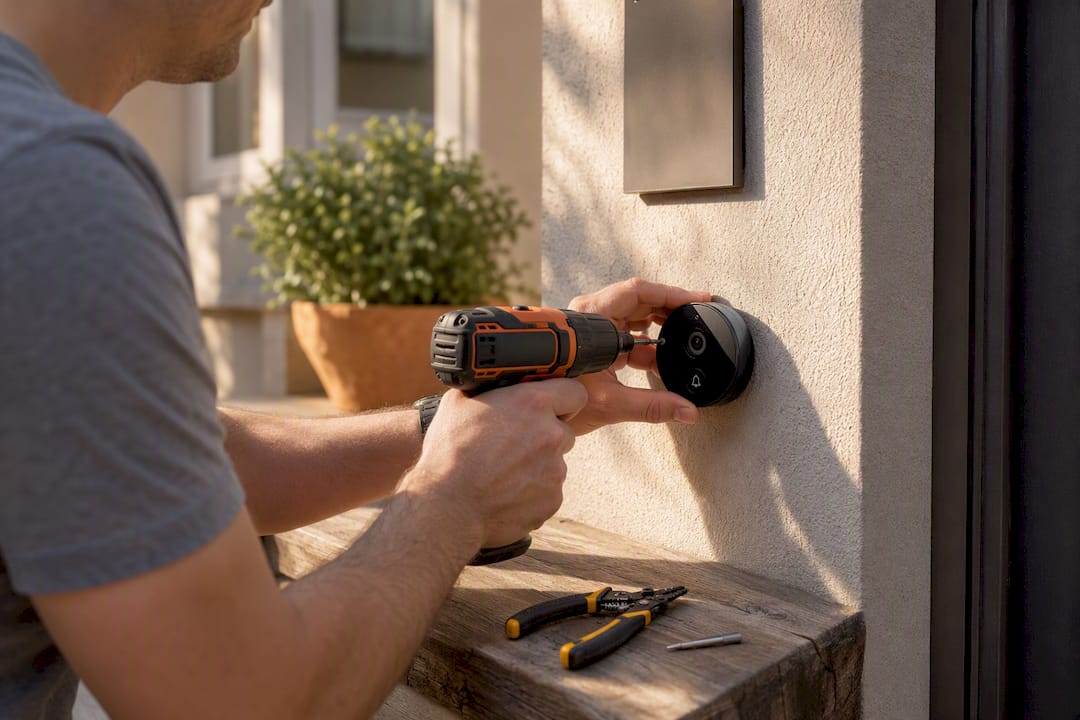
Installation is the line item most first-time buyers underestimate, and it swings the total doorbell camera cost more than people expect. Professional installation typically runs $120 to $500, with simple swaps landing under $150 and complex jobs pushing toward the top of that range.
A quick rule of thumb: if you can see your existing doorbell wires and they look intact, DIY is realistic. If you’re rewiring from scratch or dealing with a transformer that’s decades old, professional installation protects both your safety and your warranty. Some manufacturers void hardware warranties if self-installed wiring damages internal components, so check the fine print before you grab a screwdriver.
Not every spec bump is worth paying for, and this is where a lot of shoppers overspend on features they’ll rarely use. Image resolution matters most in low light: a camera with strong HDR and dedicated night vision will outperform a higher raw resolution number in a dim porch setting. Field of view also matters more than most buyers realize. A narrow lens might miss a package dropped just outside the frame, while a wider angle catches your whole porch but can distort edges.
Local versus server-based analytics is another cost driver. Cameras that process motion detection on-device tend to respond faster and don’t depend on your internet connection for basic alerts. Cloud-based AI, on the other hand, usually delivers smarter person and package recognition, but it’s almost always the feature locked behind a subscription tier.
Pro Tip: Before you pay extra for “advanced AI detection,” check whether that feature actually works without a subscription. A lot of premium hardware ships with AI capability that’s functionally disabled until you pay the monthly fee, so you’re paying twice for the same feature.
Skipping the monthly fee is tempting, and it’s a completely legitimate way to control long-term doorbell camera cost. These models store footage locally, either on a microSD card inside the device or on a small in-home hub, and once you’ve paid for the hardware, there’s nothing else to buy.
The trade-off is real, though. Consumer Reports notes that local storage models carry a specific risk: if someone steals the camera itself, they often take the only copy of the footage with them. A cloud-stored clip survives even if the hardware doesn’t. That’s the core bargain you’re making when you go subscription-free.
There’s also a usability cost worth knowing about. Local-storage models frequently lack the refined filtering that cloud AI provides, which means more notifications for cars passing by or shadows moving across the lawn. That alert fatigue adds up, and a camera you’ve learned to ignore isn’t protecting anything.
A few practical fixes reduce the risk without adding a monthly bill:
Numbers on a shelf tag don’t tell the whole story. Here’s how three common buying paths actually play out over time.
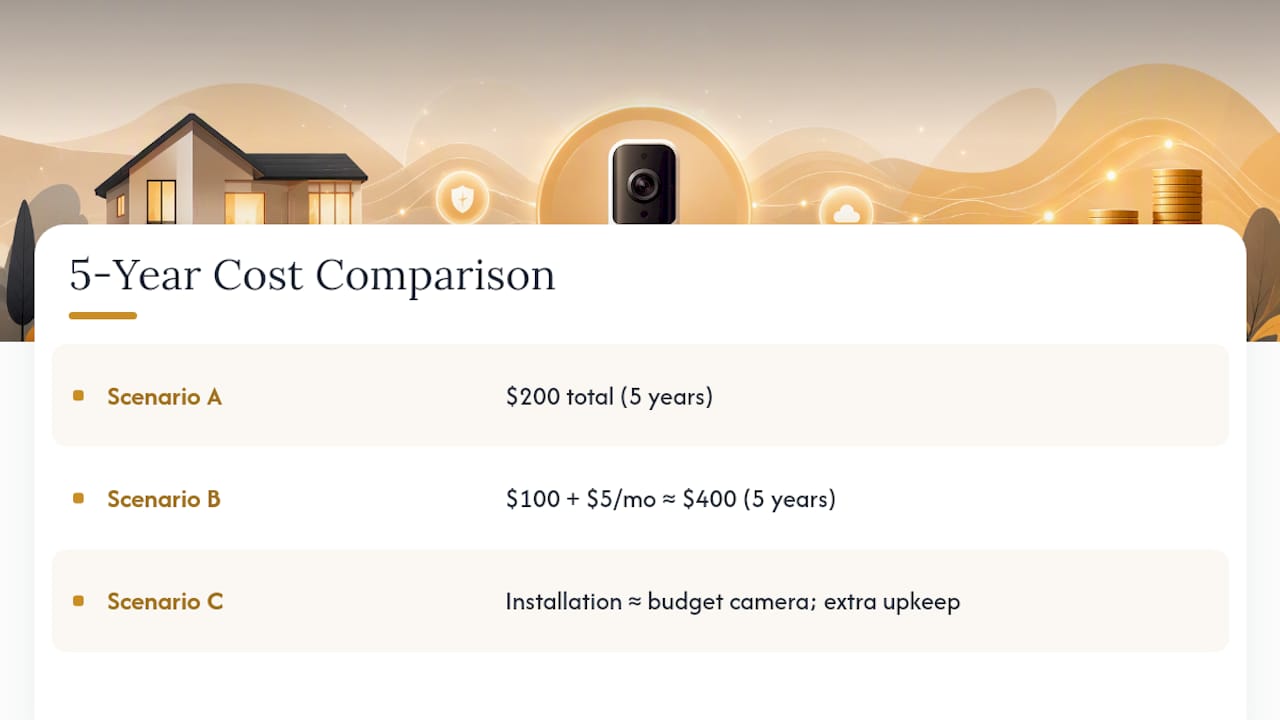
Scenario A stays flat forever, which is exactly the appeal of subscription-free hardware. SafeHome’s illustration puts a similar contrast in perspective: a $100 camera paired with a $5 monthly plan reaches roughly $400 over five years, while a $200 no-subscription model stays put at $200 for the same stretch. The breakeven point between those two paths lands right around year two, after which the “cheaper” subscription camera actually costs more.
Scenario C shows where premium buyers should expect to land. Installation alone nearly matches the cost of a budget camera. Small ongoing expenses like battery replacements and network upgrades can nudge these totals higher still, so build in a small buffer no matter which path you pick.
Sabezon builds smart home gadgets around one idea: real convenience without an inflated price tag. The Entryx™ Smart Doorbell Camera reflects that directly. It’s priced in the mid-range value tier, giving you sharp video and reliable motion alerts without pushing you into premium territory just to get dependable performance.
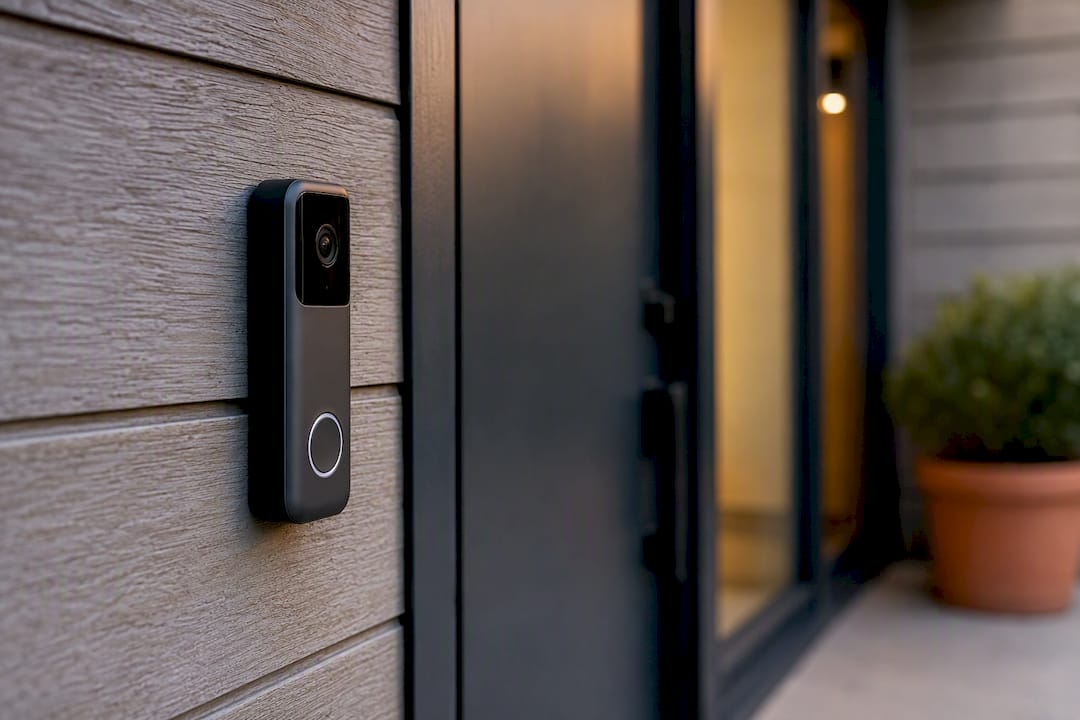
The design goal behind Entryx™ was straightforward: balance a fair upfront price with subscription options that stay reasonable rather than creeping toward the top of the market. You get clear footage and smart alerts on the essentials, without paying for AI features most households never use. That’s the same balance this whole cost guide has been walking through, applied directly to one product.
Entryx™ ships with a standard manufacturer warranty and Sabezon’s straightforward return policy, so you can test it on your own porch before committing long-term. Full specs, current pricing, and setup details live on the Entryx™ Smart Doorbell Camera product page.
If you’re renting, skip anything that requires wiring changes. A battery-powered, subscription-free model keeps your total cost low and your landlord happy, since you’re not touching the building’s electrical system.
If you own your home and already have working doorbell wiring, a mid-range hardwired camera with a standard subscription tier usually delivers the best value per dollar. You’re not paying installation labor, and the monthly fee buys real backup protection.
If privacy is your top concern, go subscription-free with a local hub, and build the habit of exporting footage manually every few weeks. It takes ten minutes and closes the biggest gap in that approach.
Whatever you choose, read the subscription fine print closely before buying. Some brands quietly lock core features, like basic person detection, behind a paid tier, which turns what looked like a budget purchase into a recurring bill you didn’t plan for.
— Tony
If you’ve read this far, you already know the real doorbell camera cost equation isn’t just the price tag on the box. It’s device price plus install plus however many years of subscription fees you end up paying. Sabezon’s Entryx™ Smart Doorbell Camera is built specifically to keep that equation simple: solid video quality, reliable alerts, and a price that doesn’t force you into a premium tier just to get dependable footage.
Setup takes minutes, whether you’re mounting it fresh or swapping out an old wired doorbell, and Sabezon backs it with a standard warranty and easy returns if it’s not the right fit. Browse the full smart home tech collection to see how Entryx™ compares alongside other practical gadgets, or head straight to the Entryx™ product page to check current pricing and grab one for your front door today.