Cart
0
Complete Your Setup

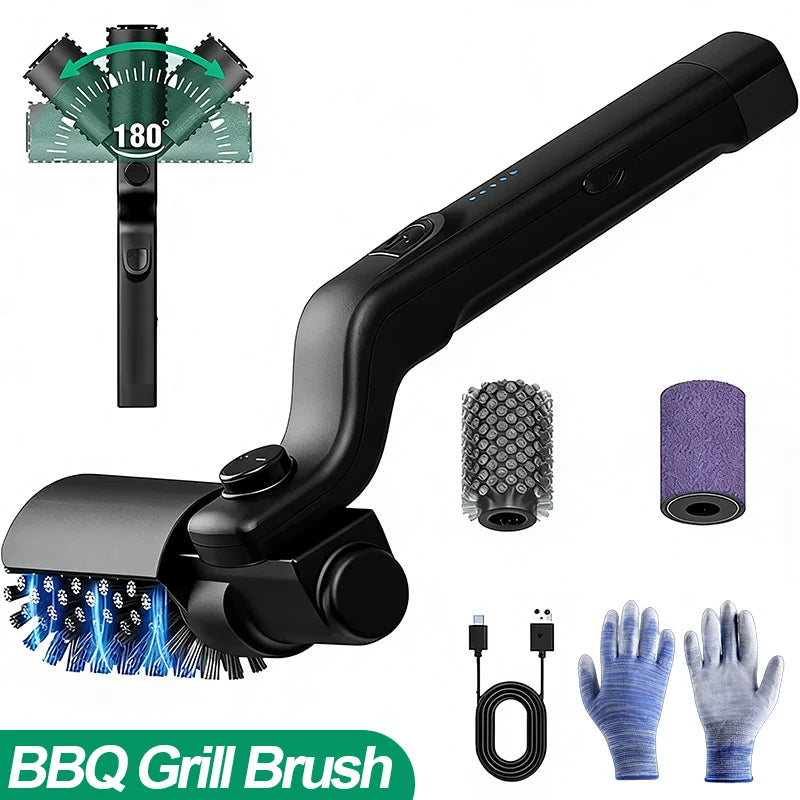
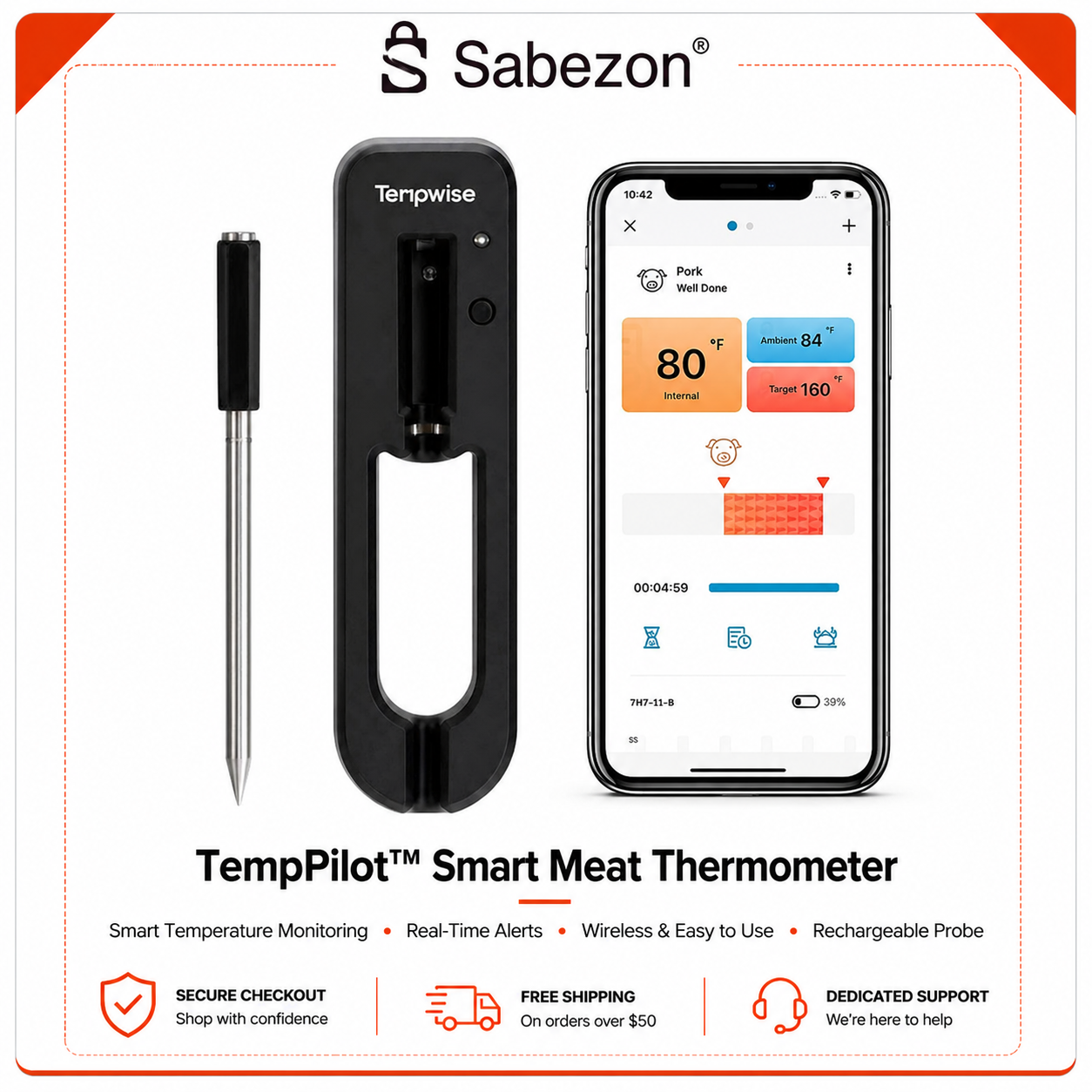
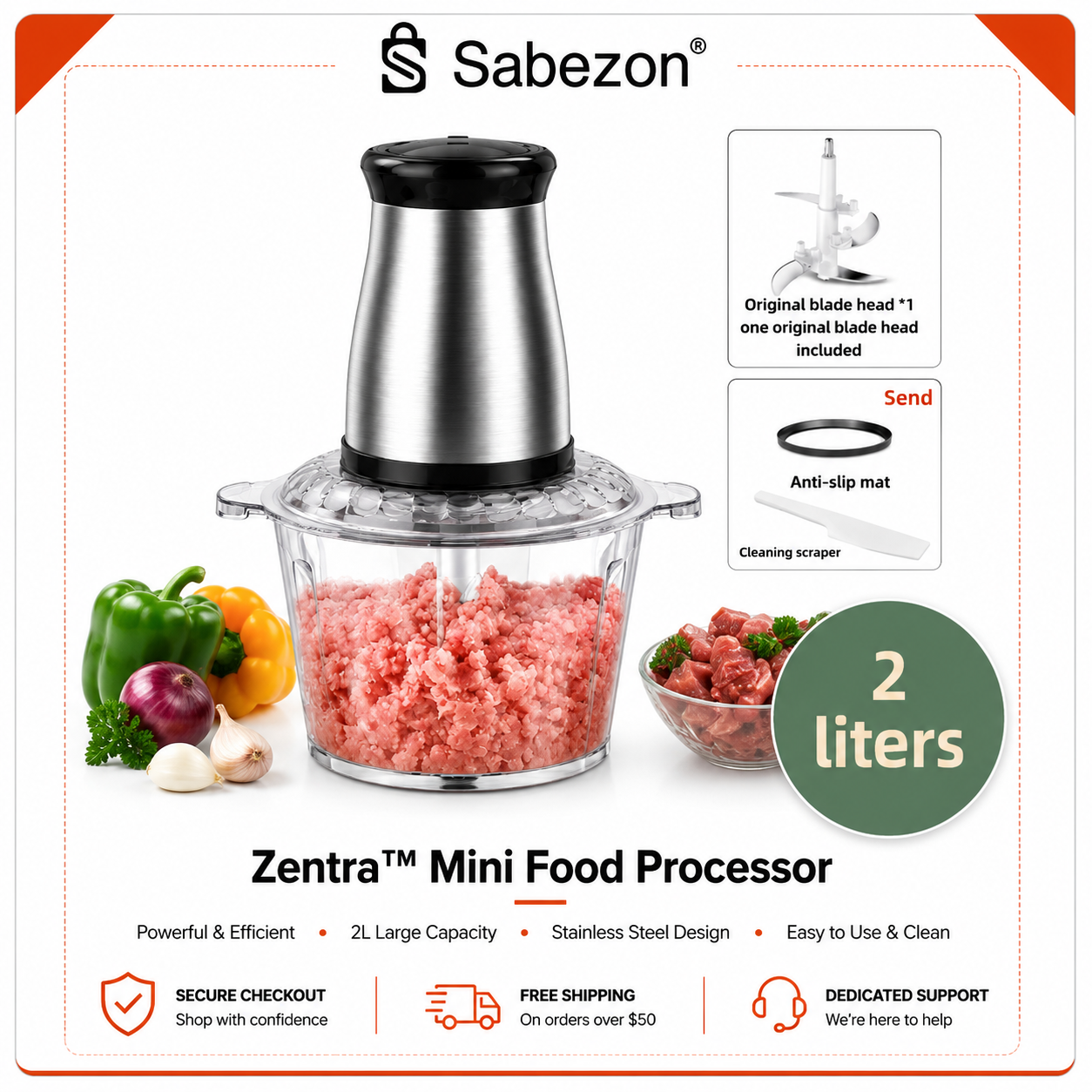


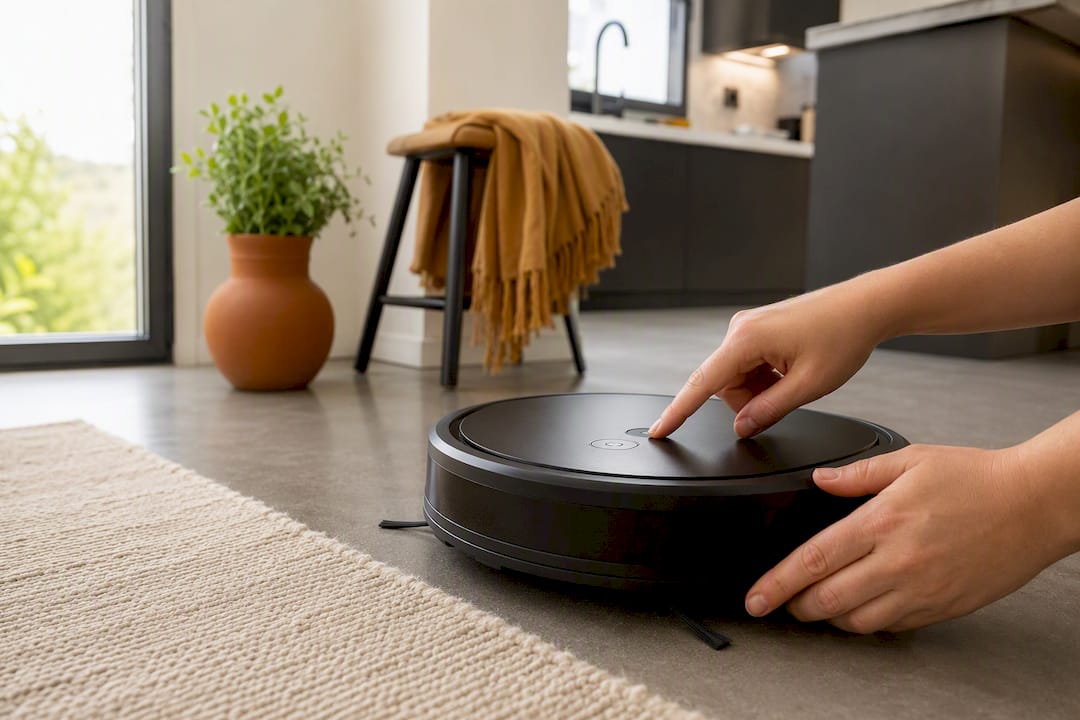
A small smart-home kit handles most of what wears you out every week: a single hub, a robot vacuum, a smart plug, and a smart lock or thermostat. Add three routines and you’ve automated the chores that eat the most time. Robot vacuums alone can cut manual cleaning time by up to 70%, and choosing Matter and Thread compatible gear means your gadgets actually talk to each other instead of living in six different apps.
Pro Tip: Skip devices that only work through their own proprietary app. If it doesn’t play nice with Alexa, Google Assistant, or Apple HomeKit, it becomes one more thing you have to manage instead of one less. Ready to shop? Sabezon’s smart home collection is built around exactly this kind of starter kit.
A minimalist smart-home kit, one hub, a robot vacuum, a smart plug, and three core routines, automates most repetitive household chores within 30 days.
| Point | Details |
|---|---|
| Start with floor cleaning | Robot vacuums tackle the highest-frequency chore and can cut cleaning time by up to 70%. |
| Pick one hub first | Alexa, Google Assistant, or Apple HomeKit prevents the fragmented app overload that adds mental load. |
| Choose Matter-certified gear | Matter and Thread compatibility keeps devices working together as your kit grows. |
| Build three routines early | Morning, away, and goodnight routines replace several manual steps with one trigger. |
| Shop Sabezon for your starter kit | Sabezon’s robot vacuums, SteamPilot™, and garage controller are designed to integrate into one simple system. |
Not every chore is worth automating first. Focus on tasks that happen often, take real time by hand, and involve more than one step. Floor cleaning tops the list because it’s daily or near-daily and physically tiring. Kitchen cleanup and prep come next, followed by laundry flow, garage and entry control, grill and outdoor cleanup, and small spot-cleaning jobs that pile up between deep cleans.
A simple formula works: frequency times manual time times complexity equals automation priority. A task you do daily that takes 15 minutes and involves multiple steps (like vacuuming) beats a monthly task that takes an hour but happens rarely.
Smart routines that bundle several actions into one trigger can recover multiple hours per week depending on how many steps they replace.
Once you know which chores matter most, matching the right gadget to each one keeps you from overspending on devices you won’t use daily. Here’s how the categories break down.
Robot vacuum: best for daily floor cleaning across hard floors and carpet. Typical cost runs $150 to $600, setup takes 15 to 30 minutes, and most models work with Alexa, Google Assistant, and increasingly Matter. Sabezon’s FloorPilot™ robot vacuum pairs LiDAR navigation with a self-emptying station, which matters most in homes with pets or multiple floors.
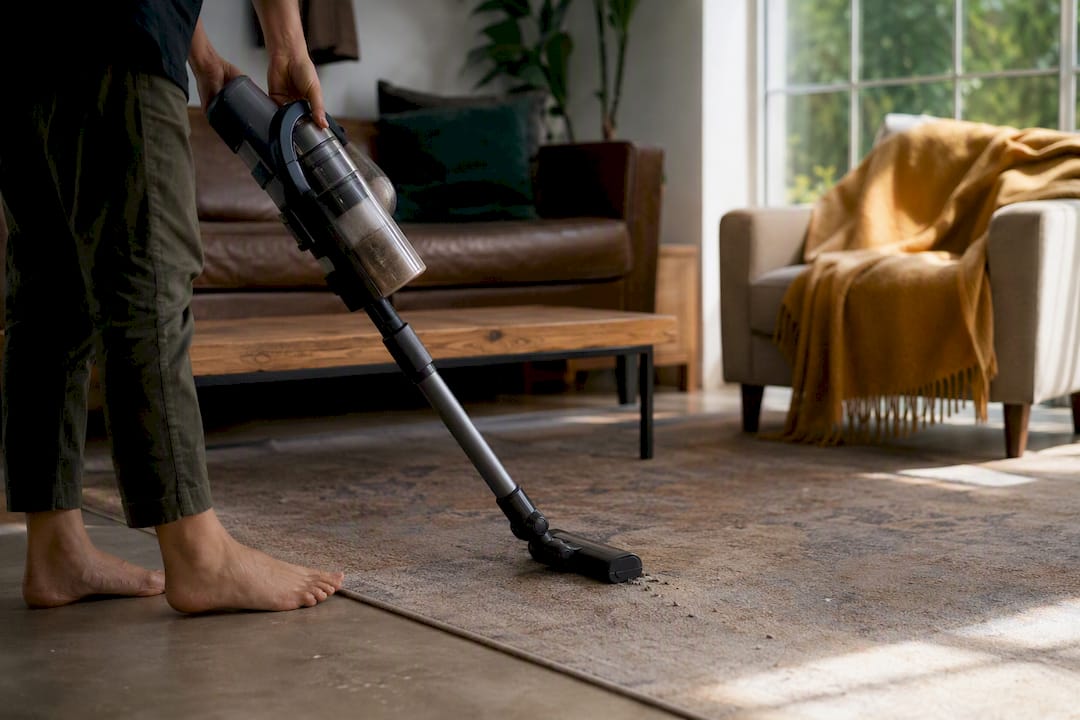
Stick vacuum: best for quick spot jobs a robot can’t reach, like stairs or under furniture. Cost sits around $80 to $250 with no real setup time since most run cordless with no app pairing needed.
SuperScrub Max™ Electric Spin Scrubber: best for bathroom tile, grout, and shower doors. Around $40 to $70, setup is basically charge-and-go.
SteamPilot™ Cleaner: best for kitchen grease, upholstery, and disinfecting without chemicals. Priced $70 to $150, ready in under 10 minutes.
Automated Grill Cleaning Robot: handles the outdoor cleanup task nobody enjoys, typically $60 to $120.
Auralis™ Smart Kitchen Sink System: built-in digital display and waterfall faucet automate rinsing and prep, priced as a fixture investment rather than an accessory.
Zentra™ Mini Food Processor: cuts prep time on chopping and grinding, usually under $80.
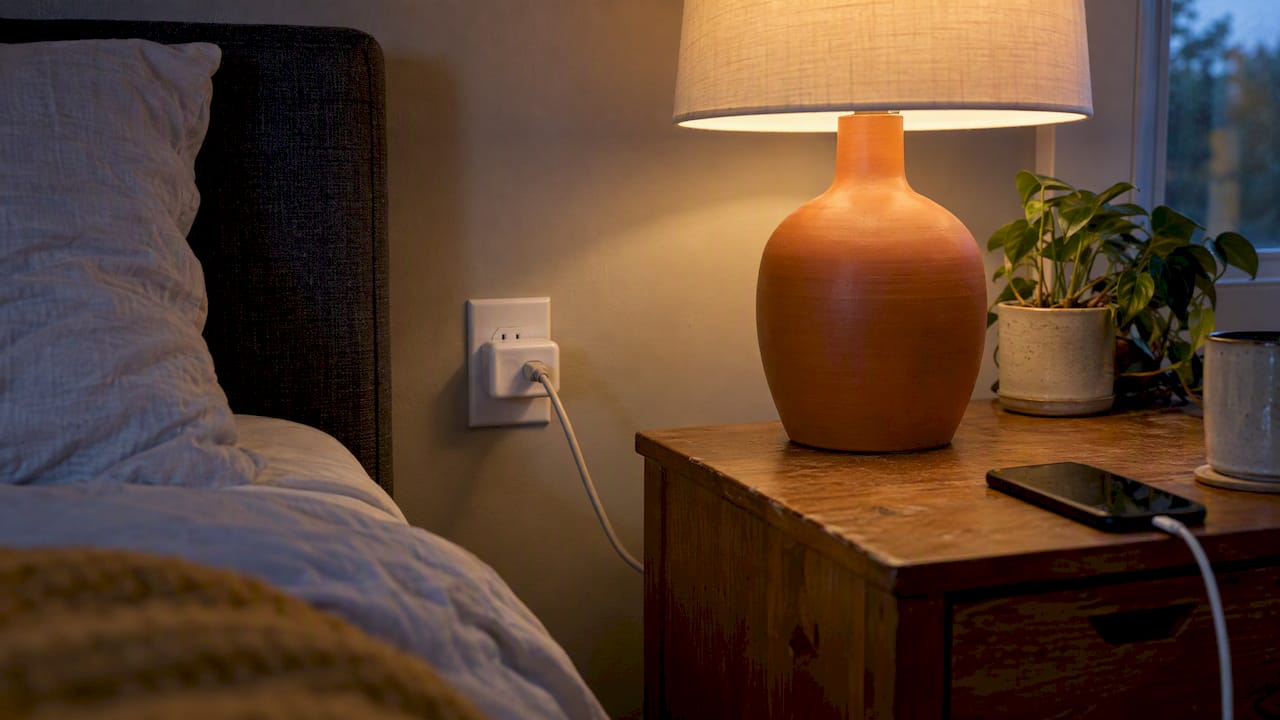
Smart WiFi Garage Door Controller: solves entry control instantly, $30 to $60, and pairs with most major hubs including systems built on Tuya.
Pro Tip: Buy the robot vacuum first. It attacks your highest-frequency chore and gives you the clearest before-and-after feeling, which makes every device after it easier to justify.
Pick a single hub before buying anything else. Alexa, Google Assistant, Apple HomeKit, and Samsung SmartThings all work, but the choice matters less than committing to just one. Experts agree that a single unified hub prevents the fragmented app overload that makes smart homes feel like more work, not less. Favor Matter-certified, Thread-capable devices, since Matter adoption has crossed a large majority of new smart devices and locks you out of nothing down the road.
A single well-built routine can replace 5 to 6 individual manual decisions every time it runs.
Pro Tip: Test each routine three times before trusting it. A routine that skips a step on day one will skip it again on day thirty.
A few minutes of research before checkout saves months of frustration later. Matter certification and Thread support are the biggest signals that a device will keep working as your setup grows, since Thread-capable devices form their own low-power mesh instead of competing for Wi-Fi bandwidth.
Check maintenance realities too: how often the brand pushes firmware updates, expected battery life, and the cost of consumables like filters, brushes, or pads. Routine firmware checks and scheduled part replacement prevent most of the reliability complaints that show up in device reviews.
Red flags to walk away from:
You don’t need a weekend blitz. Spread it out and each week takes less than an hour of actual effort.
Even reliable devices need light upkeep. Check firmware monthly, swap batteries on sensors roughly every 18 to 24 months, and clean vacuum brushes and filters weekly if you have pets.
Buying one hub and one high-ROI device first, then proving it works before adding more, beats an all-at-once overhaul every time. Guides on smart routines back this up, recommending devices that run daily and replace multiple manual steps before anything else. Sabezon devices are built to fit into that starter kit without a steep learning curve or a fragile setup.

Sabezon makes the exact starter kit this guide recommends: a robot vacuum, a spot-cleaning tool, and the kitchen and garage gadgets that turn three routines into real time back every week. Instead of piecing together devices from five different brands and hoping they talk to each other, you get gear designed to work inside one simple system from day one.
Start with the FloorPilot™ robot vacuum for your highest-impact chore, then round out the kit with the SteamPilot™ Cleaner for spot jobs and the Smart WiFi Garage Door Controller for instant entry automation. Every Sabezon product ships with a clear warranty and simple return process, so testing your first device carries no real risk. Browse the full Smart Home Tech collection and pick your starting piece today.