Cart
0
Complete Your Setup





Six habits do most of the work: clean vents and coils, manage heat and airflow, keep firmware and batteries current, clear lint and filters, book annual water and HVAC checks, and track it all on one simple calendar. That’s the whole game. Skip these and gadgets die early. Follow them and you buy real years of service.
A consistent maintenance routine can extend appliance lifespan by up to 30% and cut energy use by 10 to 15%, according to the Association of Home Appliance Manufacturers. A good home gadget maintenance guide is really a time-management tool: fifteen minutes a week beats an emergency repair bill every time.
A realistic home gadget maintenance guide works because it pairs a monthly, quarterly, and annual calendar with quick daily habits that prevent overheating and connectivity failures.
| Point | Details |
|---|---|
| Follow the three-tier calendar | Monthly, quarterly, and annual tasks spread roughly 15 to 20 hours across a full year. |
| Manage heat and airflow | Clear vents weekly and keep devices spaced from walls to prevent thermal throttling. |
| Update smart devices monthly | Review firmware on hubs, cameras, and locks first since they carry the highest security exposure. |
| Know your limits | Refrigerant, gas, and high-voltage repairs always need a licensed technician. |
| Use the right tools | Sabezon products like the SuperScrub Max™ and SteamPilot™ Cleaner cut routine cleaning time significantly. |
A calendar only works if it fits your real schedule, not an idealized one. Break maintenance into three buckets: monthly, quarterly, and annual. Each bucket has a short list of tasks with a realistic time estimate attached, so you can slot them into a Sunday routine or a lunch break without derailing your day.
Monthly (10 to 20 minutes total):
Quarterly (30 to 45 minutes total):
Annual (2 to 4 hours total, often spread across a weekend):
These intervals track closely with what home-maintenance experts recommend across monthly, quarterly, and annual appliance tasks, so you’re not guessing at frequency. Dirty refrigerator coils in particular are a common cause of premature refrigerator failure, which makes that ten-minute quarterly brush-down one of the highest-return tasks on the whole list.
Add it up and you’re looking at roughly 15 to 20 hours a year, spread thin enough that no single session feels like a chore. That investment is what earns the lifespan and energy gains AHAM documented. Think of it less as a chore list and more as insurance you pay in minutes instead of dollars.
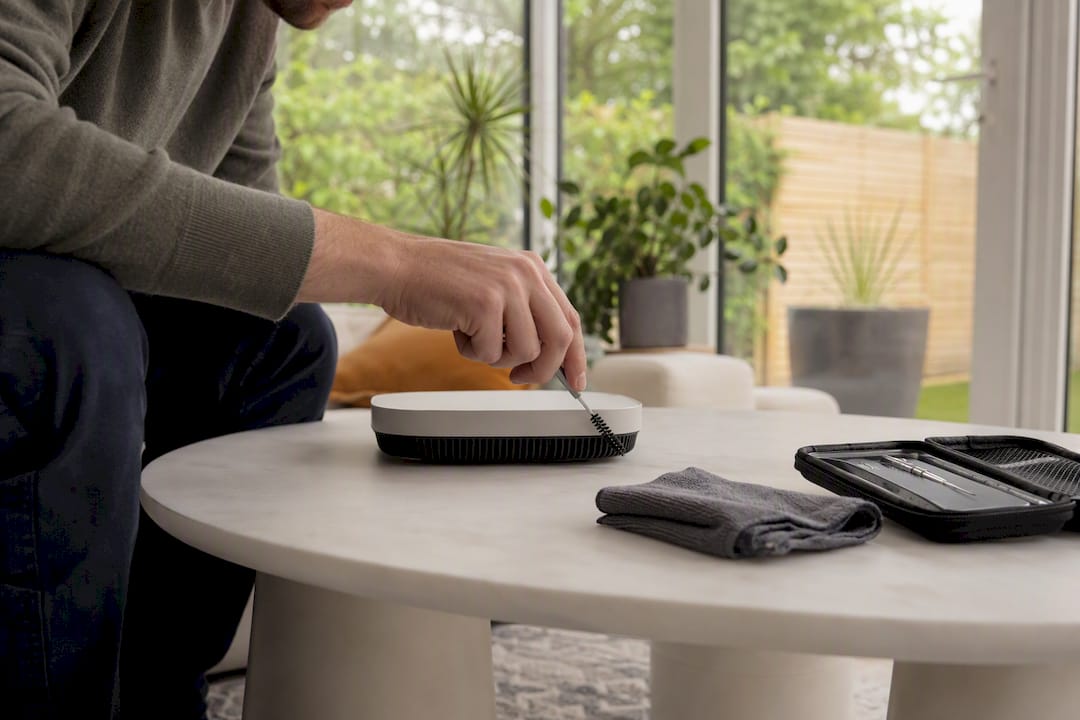
Two checks handle most of the damage before it starts. Glance at your smart home app for error alerts once a day, and clear dust from visible vents on routers, consoles, or smart hubs once a week. That’s it for the daily grind.
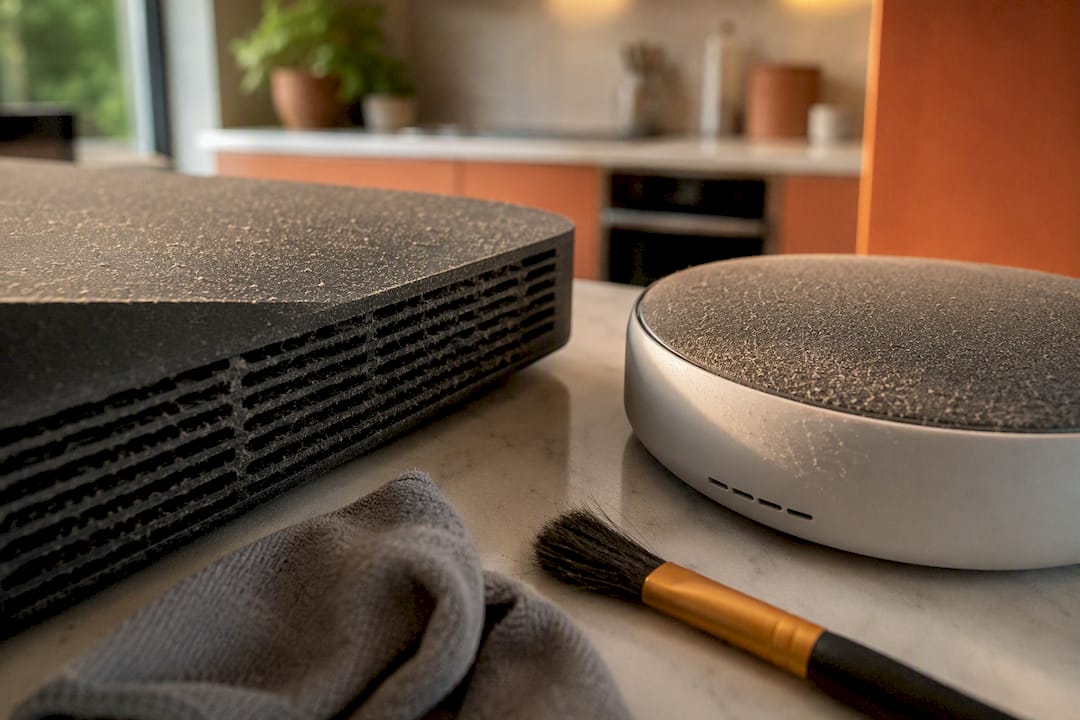
Heat is the quiet killer here. Devices that can’t breathe run hotter, and chronic overheating leads to thermal throttling and shortened component life, according to TechTimes’ research on device longevity. A router jammed behind a stack of books or a hub tucked into a closed cabinet is working harder than it should, every single day.
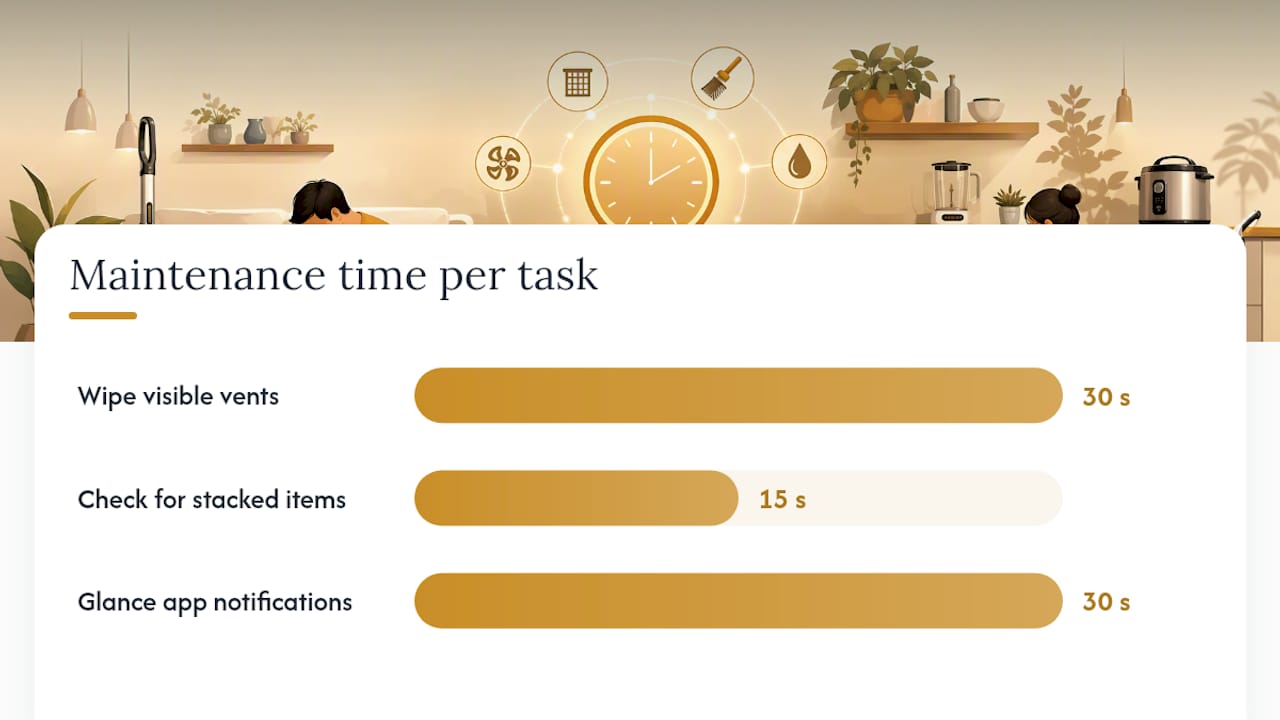
Pro Tip: Move heat-sensitive gadgets like routers, hubs, and streaming boxes at least four inches away from walls and other electronics, and blast the vents with compressed air every three months. It takes two minutes and prevents the slow performance creep most people blame on “old tech.”
Quick weekly wins:
Firmware updates, strong Wi-Fi placement, and diagnostic alerts matter more than deep cleaning for anything connected to your network. Review updates monthly, since hubs, routers, cameras, and locks are the devices most exposed to security risk when they run outdated software, according to AARP’s guide to smart appliance care.
Security checklist:
Monthly and quarterly routine:
Diagnostic codes deserve attention rather than dismissal. A smart thermostat flagging a filter warning or a garage controller reporting a failed connection is usually something you can fix yourself. Repeated hardware fault codes or error loops after a reset are the signal to call a technician instead.
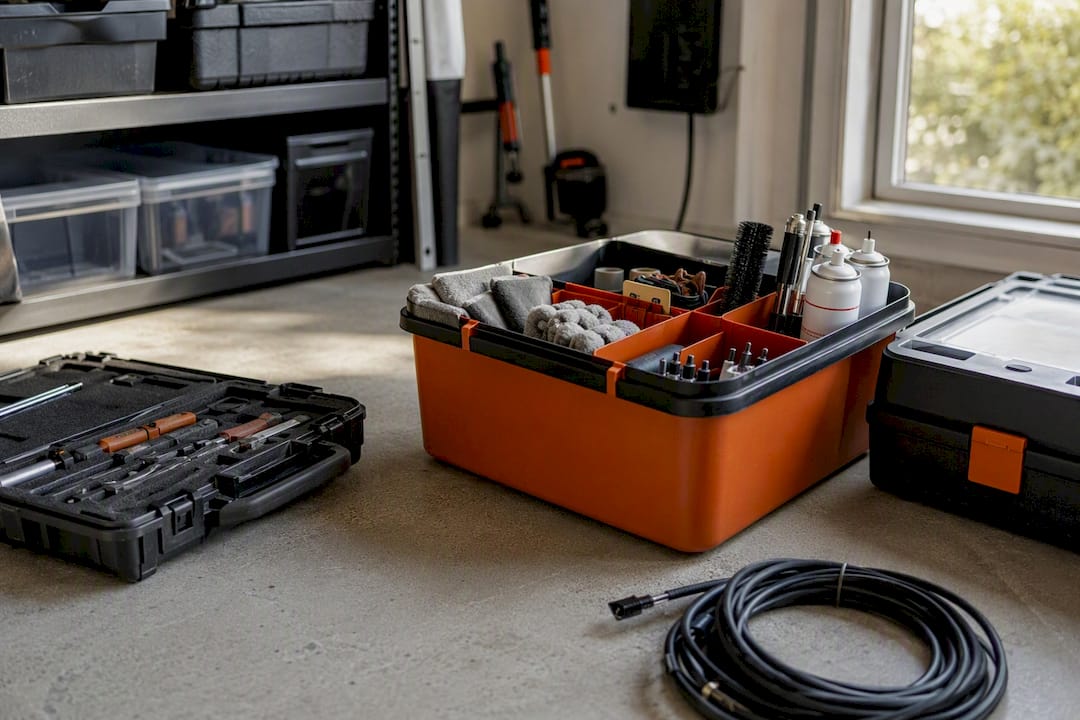
A dedicated kit beats hunting for tools every time, and it’s one of the simplest ways to raise how often maintenance actually gets done, according to ABT’s appliance maintenance advice. Keep these together in one bin near your utility area:
A SuperScrub Max™ Electric Spin Scrubber handles grimy vents and appliance exteriors in a fraction of the time hand-scrubbing takes, and a SteamPilot™ Cleaner cuts through grease around stovetops and gasket seals without harsh chemicals.
Pro Tip: Store your entire maintenance kit in one labeled bin, not scattered across drawers. The two minutes you save finding a coil brush is often the difference between doing the task and putting it off another month.
Six tasks cause more service calls than everything else combined: refrigerator coils, dryer vents, dishwasher filters, coffee maker descaling, water heater flushing, and fridge water filters.
Always unplug or de-power a device, shut off water supply lines, and wear gloves before touching any of these systems.
Call a licensed technician anytime refrigerant, gas lines, high-voltage wiring, or a sealed system is involved. Those repairs carry real safety risk and often void warranties if handled incorrectly.
Red flags that mean stop immediately:
Rough cost and time expectations: professional dryer vent cleaning typically runs a service call plus parts, usually finished in under an hour; a full HVAC tune-up is generally a half-day appointment. Treat these as ballpark figures, since local rates vary. Before any DIY attempt near these systems, power down the unit, isolate the water supply, and never attempt to handle refrigerant yourself.
I’ve watched too many smart homeowners buy great gadgets and then let them slowly degrade from neglect, not misuse. My honest advice: pick one recurring day each month, put it on your phone calendar, and knock out the monthly list in one sitting. This week, start by checking firmware on your router and hub. That single habit prevents most of the connectivity headaches homeowners blame on “bad Wi-Fi.” For more on getting devices set up right from day one, see our home tech installation guide.
If you want to shrink the time these tasks take without cutting corners, a few Sabezon picks solve specific problems from the checklist above. The SuperScrub Max™ Electric Spin Scrubber handles the scrubbing side of appliance exteriors and vent covers fast, while the SteamPilot™ Cleaner cuts grease and grout buildup around kitchen appliances without scrubbing at all.

For the smart-device side of your calendar, a Smart WiFi Garage Door Controller sends remote alerts so you catch issues before they become repairs, and the Auralis™ Smart Kitchen Sink System makes filtered-water upkeep part of your normal routine instead of a separate chore. Building your own maintenance kit around a few smart, reliable tools like these is what keeps the whole calendar realistic. Browse the full lineup on the Sabezon smart home collection and pick the pieces that match the tasks you dread most.
Bookmark this calendar and revisit your kit each season.