Cart
0
Complete Your Setup

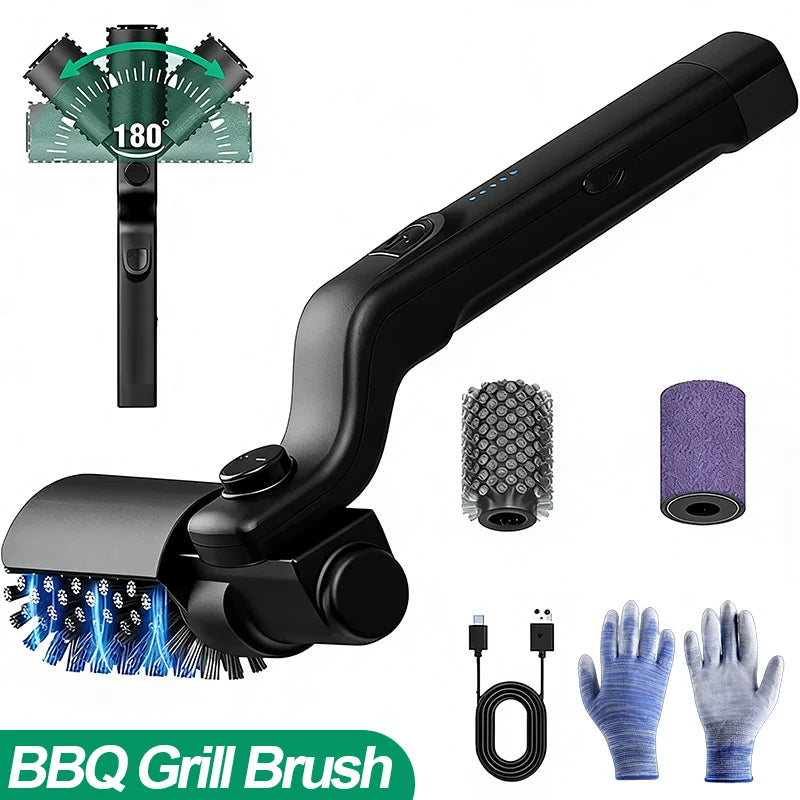
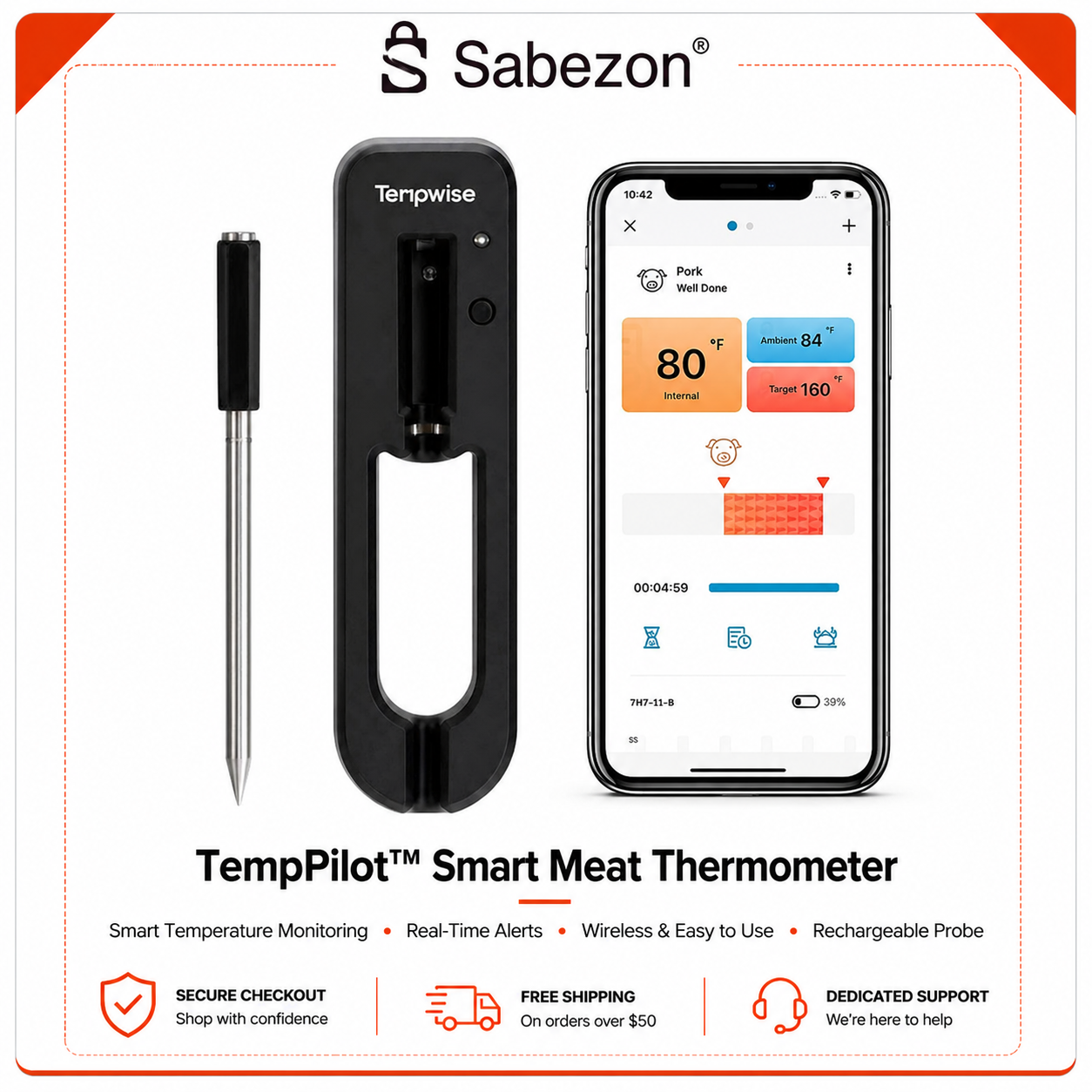


Renters get the most value from plug-in, battery-powered, or adhesive-mounted devices that are portable, reversible, and Matter-compatible where possible. Start with the categories that need zero permanent changes: a smart plug, a smart bulb, a voice assistant or hub, a camera or doorbell, and a water leak sensor. Skip anything that requires cutting wires or swapping your wall thermostat unless your landlord signs off first.
TL;DR:
- Smart plugs and bulbs that connect via Wi-Fi or Matter simplify setup, reduce ecosystem lock-in, and are easy to remove without permanent changes.
- Reversible, adhesive-mounted smart locks and sensors allow for secure automation that leaves no trace and can be easily uninstalled before moving.
- Battery-powered, portable cameras and leak sensors provide safety and security without drilling or permanent installation, but angle and placement are critical to avoid disputes.
- Choosing devices with a built-in hub, Matter certification, and easy disassembly ensures compatibility across apartments and browsers with minimal hassle.
- Proper teardown, storage, and documentation, like keeping original packaging and labeled cables, ease the move-out process and protect your deposit.
You don’t need ten gadgets to feel the difference. One smart voice assistant or hub, paired with two smart plugs, one smart bulb, and a leak sensor, gets you real automation without touching a single screw. This combination covers the four things renters actually want: remote control, scheduled routines, early warning for water damage, and a setup you can box up in ten minutes on move-out day.
Here’s the starter stack that makes sense for most apartments:
This lineup covers a real gap in most rentals: smart bulbs and plugs are consistently ranked as the easiest entry point because they need no hub, no drilling, and no landlord conversation. Reviewers who track this category tend to agree that a hub plus a couple of smart plugs is the practical starting combination that unlocks automation without permanent changes.
Total cost for the whole starter kit usually lands between $75 and $195, depending on brand and how many outlets you want to cover. That’s less than most security deposits, and every piece of it fits in a shoebox when you move.
Pro Tip: Keep the original packaging for your hub and sensors. Most manufacturers design the box to double as safe padding for the exact device inside, which saves you from hunting for bubble wrap during a move.
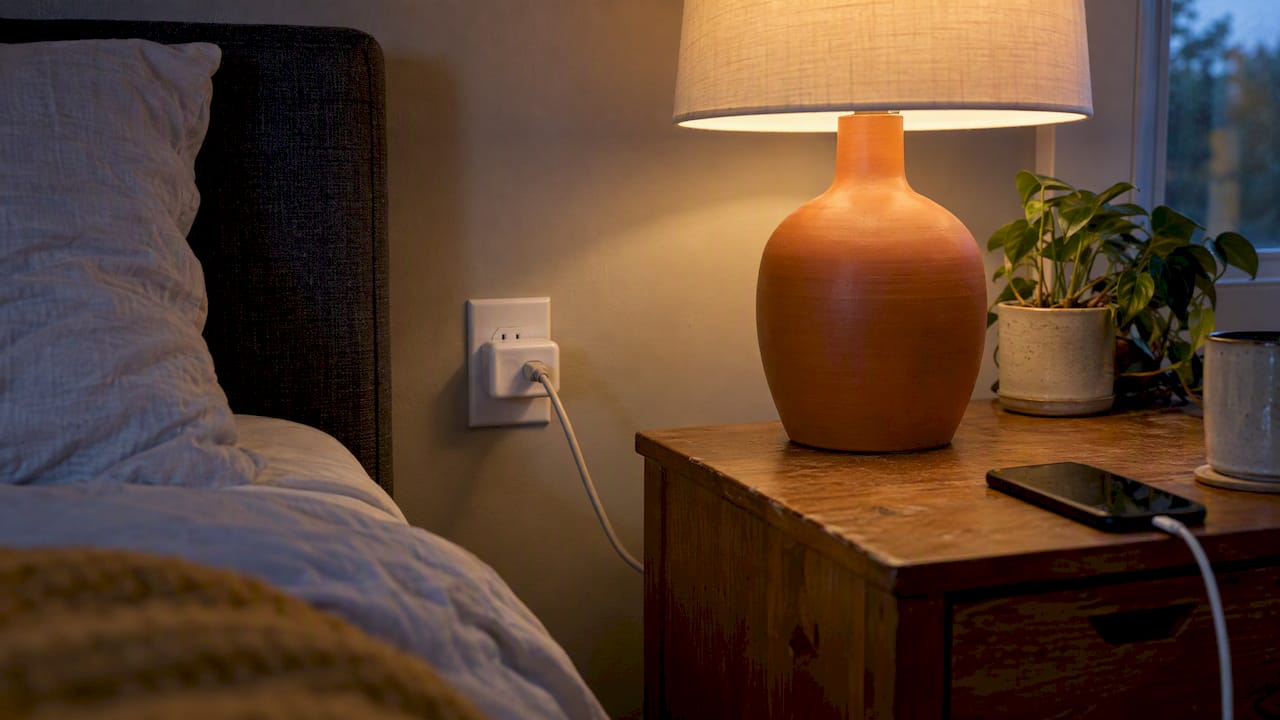
Smart plugs and bulbs are the two categories every renter should buy first, but not all of them are built the same way underneath. The connection type determines how much hassle you’ll have when you move and how well the device plays with others.
Wi-Fi devices connect directly to your router and work independently, which is fine until you switch apartments and need to reconnect everything to a new network. Bluetooth devices need your phone nearby and won’t work well for remote control from outside the apartment. Matter-certified devices solve both problems: they’re built on a shared standard that lets them work across ecosystems, so a Matter smart plug you bought for one apartment stays useful when you sign a new lease and switch hubs. This cross-platform flexibility is exactly why Matter reduces the ecosystem lock-in that used to trap renters into buying replacement gear with every move.
Installation and removal couldn’t be simpler for either category:
When comparing models, look for energy monitoring (it shows you exactly what a device costs to run), dimming and color options on bulbs, and whether the plug or bulb needs a separate hub at all. Many current smart plugs and bulbs skip the hub entirely and connect straight to Wi-Fi, Bluetooth, or Matter, which means less gear to pack when your lease ends.
On the efficiency side, Department of Energy guidance on LED lighting backs up why smart LED bulbs are worth the upgrade over incandescent: they use a fraction of the electricity and last years longer, so the bulb you install this year is probably still working in your next apartment.
Your hub is the device everything else talks to. It handles voice commands, runs your automations (lights off at 11pm, plugs on at sunrise), and in many current models, it also acts as a Thread border router, letting low-power Thread devices connect without any extra hardware. That last part matters more than most shoppers realize: Thread border routers are now commonly built into recent voice assistants and smart displays, so buying one device often gives you hub capability for an entire category of future gadgets.
The three major platforms each pull in a different direction. Alexa has the widest device compatibility and the largest catalog of third-party skills. Google’s ecosystem leans on strong voice recognition and tight integration with Android phones. Apple’s HomeKit prioritizes privacy and local processing over sheer device count. Platform differences genuinely affect both compatibility and privacy, so the “best” choice depends on what phone you already carry and how much you care about broad device support versus a tighter, more private ecosystem.
For renters specifically, the smart move is often picking gear that supports Matter first and worrying about the underlying platform second. That keeps your options open if you switch ecosystems down the road.
A few practical guidelines for placement and setup:
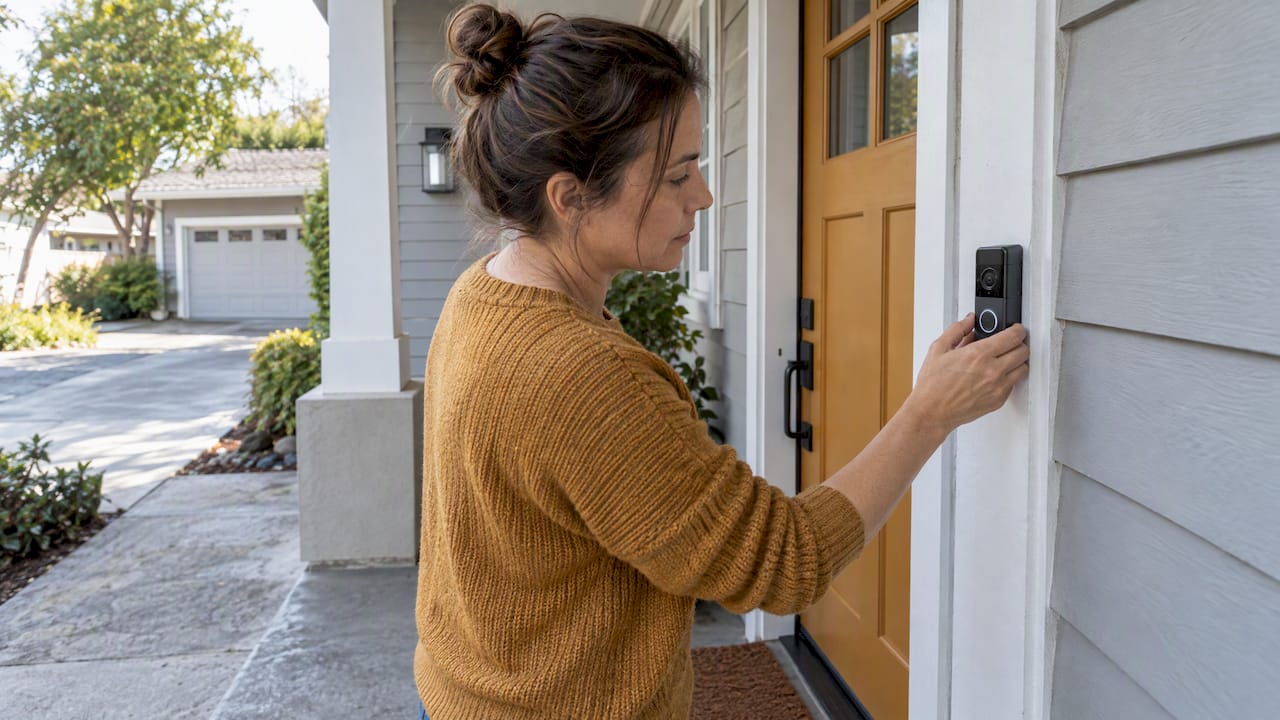
Battery-powered cameras with adhesive or magnetic mounts are the right call for almost every rental, because they skip drilling entirely and come down clean when you move. Hardwired doorbell cameras that replace your existing wired doorbell button are the one exception worth considering, since many simply connect to the existing wiring and can be swapped back to the original doorbell in minutes.
Before you mount anything near a shared hallway or building entrance, check your lease and local guidance on recording common areas. Pointing a camera at a neighbor’s door or a shared walkway is a fast way to create a dispute, even if the recording itself is legal where you live. Angling the camera to cover only your own doorway and welcome mat avoids nearly all of these issues.
Storage is the other decision point. Local storage (usually a microSD card inside the camera or a small hub) means no monthly fee and no cloud outage risk, but you’re limited by card size and you lose footage if the camera is stolen. Cloud storage protects your footage off-site but often comes with a subscription that can run $3 to $10 a month per camera. Read the fine print before buying, since some brands include a free rolling clip history and only charge for extended storage.
A short checklist for renter-safe cameras and doorbells:
Pro Tip: Test your camera’s night vision range before your first night alone in the apartment. A lot of budget models advertise 15 feet but actually deliver clear footage closer to 8 to 10 feet, which matters if your porch or hallway is longer than that.
Smart locks are the trickiest category for renters, and the safest approach is an interior retrofit kit that clips over your existing thumb-turn rather than a motorized deadbolt that replaces the whole lock body. These retrofit kits attach to the inside turn piece with a bracket and screws that are typically reversible, and critically, they leave the exterior keyway untouched, so your landlord’s key still works exactly as before.
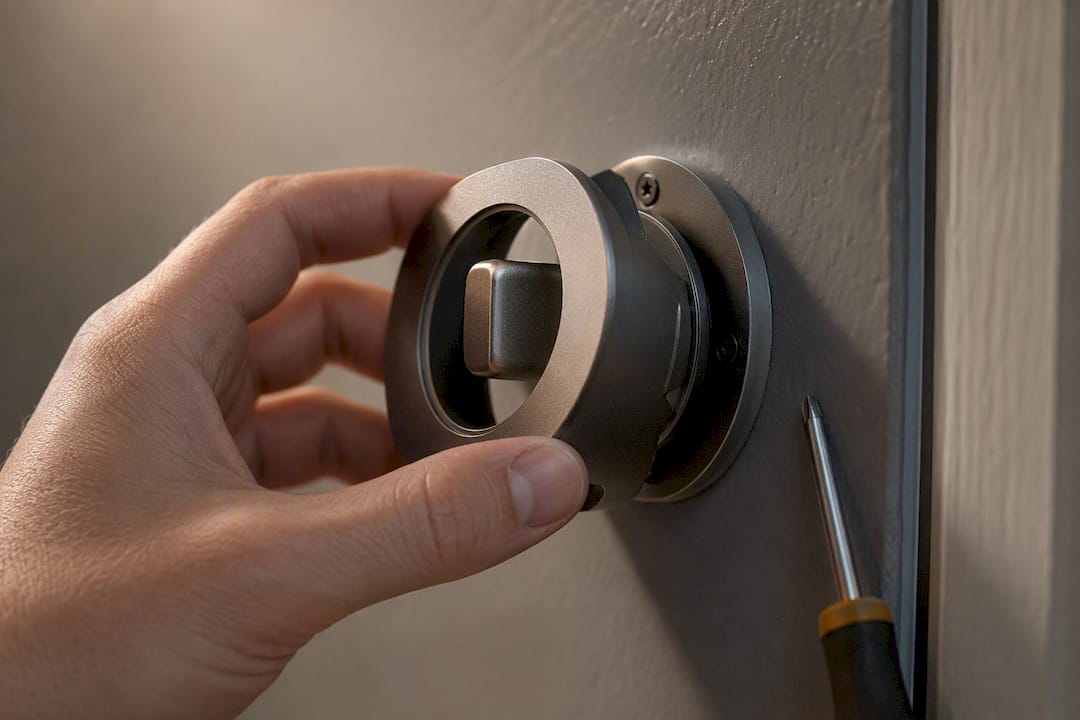
Adhesive-mounted lock add-ons take this a step further. Some models use a strong adhesive pad instead of screws, which removes even the small holes a bracket might leave behind. If you go this route, still get written permission from your landlord before installing anything on the door, even a fully reversible kit. A quick text or email confirming you’re adding a battery-powered lock accessory that doesn’t alter the existing hardware protects your deposit and your relationship with your landlord.
Before relying on any smart lock for daily use, confirm two things:
If your landlord says no to anything touching the lock, a smart plug controlling a porch light on a schedule does more for perceived security than most locks anyway.
Water leak sensors are cheap insurance against one of the most expensive rental disasters: a slow leak that soaks a subfloor for weeks before anyone notices. Place them directly under the kitchen sink, next to the water heater, behind the washing machine, and near any window AC unit that drains condensation. Most sensors work by detecting moisture on two small metal contacts on the bottom of the device, then pushing an alert to your phone the second water touches them.
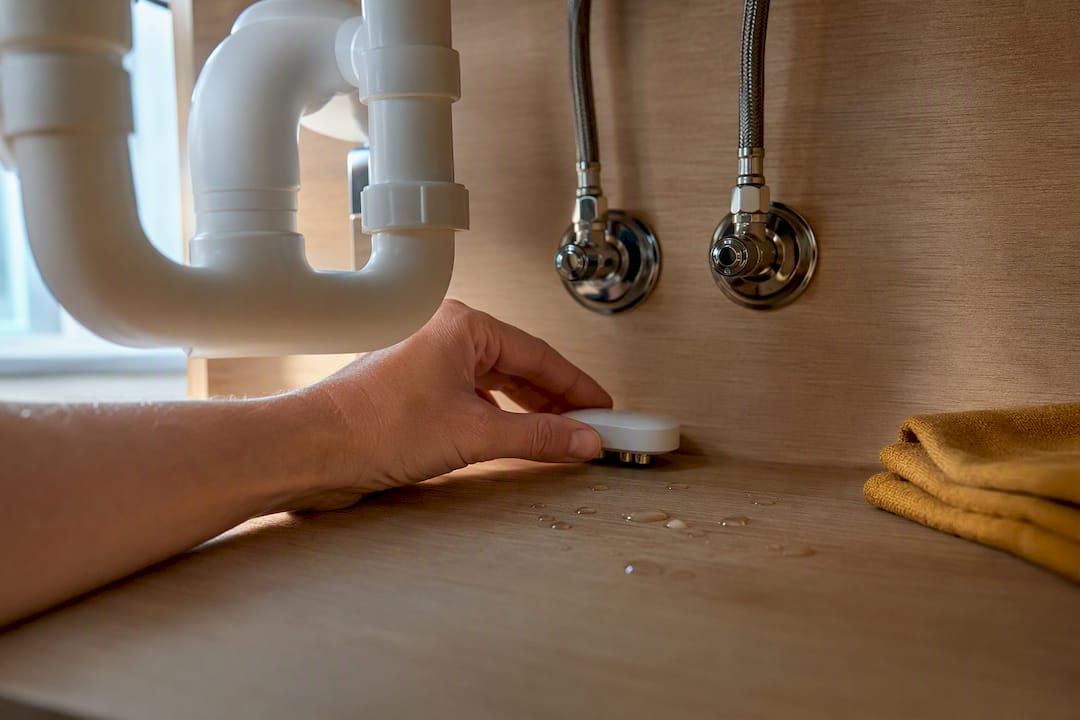
Portable smoke and CO detectors deserve a mention too, though the rules here vary more by building and local code than any other category in this guide. Many rentals already include hardwired smoke detectors as required equipment, and adding a battery-powered smart detector as a backup is usually fine, but check your lease before removing or disabling anything that’s already installed.
A few practical notes on choosing and maintaining these devices:
A robot vacuum earns its space in a small apartment faster than almost any other smart gadget, provided you pick the right size and features for your floor plan. Mapping models use lasers or cameras to build a layout of your rooms and clean in efficient rows, while randomized models bump around until they’ve covered most of the floor. Mapping costs more upfront but saves real time in apartments with multiple rooms or tight furniture layouts.
If you have pets, look specifically at brush design. Rubber rollers pick up pet hair more reliably than bristle brushes, which tend to tangle. Docking stations that empty the bin automatically are convenient but bulkier, so measure your available floor space before committing to one.
Storage and moving are simpler than most renters expect:
Smart thermostats can genuinely lower your energy bill, but they’re the one device on this list where installing it wrong can void a repair claim or violate your lease outright. Before buying one, check whether your HVAC system has a C-wire, since many thermostats need this dedicated wire for power and won’t work without it. Landlords also frequently restrict thermostat swaps specifically because it involves working inside the wall, unlike almost everything else on this list.
If your lease says no to touching the thermostat, you still have options:
Weigh the energy savings against the permission overhead honestly. If your landlord approves a thermostat swap in writing, it’s usually worth doing.
Every product page or store display gives you enough information to judge renter-friendliness in under a minute, if you know what to check. Reviewers who track this category consistently advise prioritizing portability and reversibility over feature depth, and a smaller set of portable devices tends to outperform a complex, apartment-invasive setup over time.
Run through this checklist before adding anything to your cart:
Red flags that should make you pause: any installation instruction that mentions cutting wires, drilling into a door frame, or replacing hardware that came with the unit. If a product page buries “professional installation recommended” in the fine print, that’s usually code for permanent changes you can’t reverse at move-out.
Pro Tip: When you ask a landlord for permission, send a text or email describing exactly what you’re installing and how it attaches. A specific, written request (“adhesive-mounted camera, no drilling, removable”) gets approved faster than a vague one, and it gives you documentation if a dispute comes up later.
This guide recommends focusing on devices that are portable, plug-and-play, and easy to remove without risking your deposit. That overlap isn’t an accident. Renter-friendly design and time-saving design tend to be the same design, since both prioritize devices that work the moment you plug them in and pack up just as fast.
Browse the smart home tech collection for plug-and-play devices that match the categories covered here, or check the smart cleaning collection for portable cleaning tools that need no installation at all. If you want more background on how these systems fit together before buying, the smart home explainer covers the basics of plug-and-play kits in plain terms.
What this means for you as a shopper: every product in these collections was picked with the same no-drill, no-drama standard you’d apply yourself. That’s the short version of why Sabezon shows up naturally at the end of a guide about renter-safe gadgets.
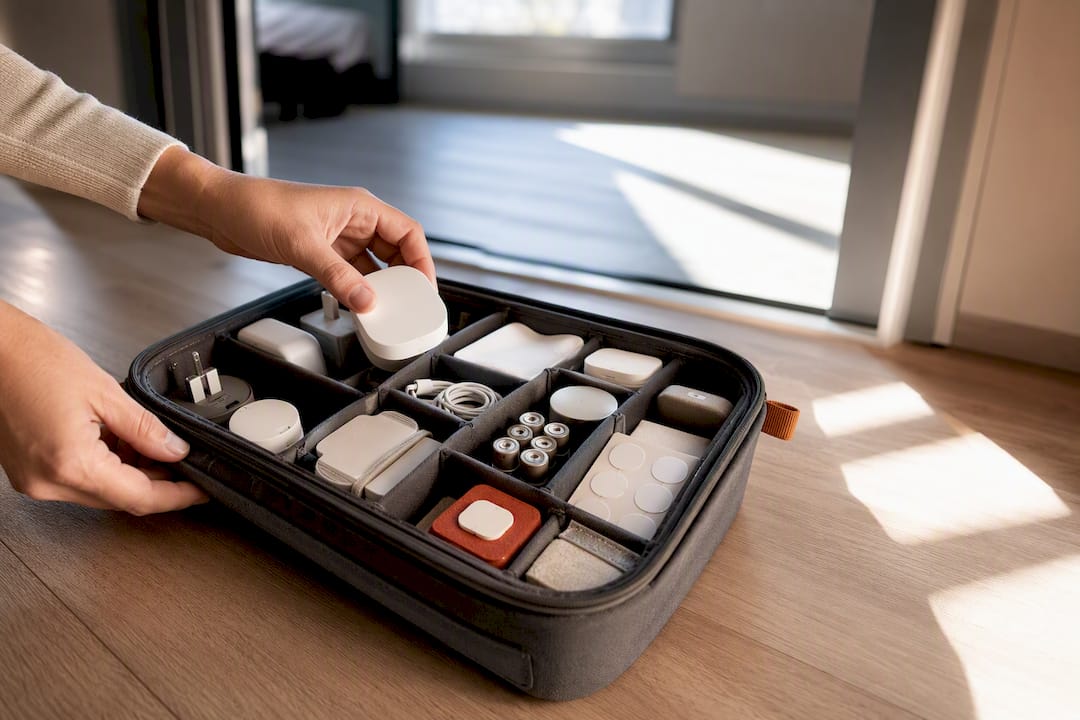
Moving day goes smoother with a small, dedicated bag for smart home gear: extra mounting pads, spare batteries, and labeled cables so you’re not guessing which charger belongs to which device six months later. That one habit saves more move-out stress than any single gadget on this list.
Adhesive removal is where most people rush and regret it. A hair dryer on low heat for about 30 seconds softens most mounting adhesive, and sliding a piece of dental floss behind the pad separates it from the wall without peeling paint. Keep the removed adhesive strips and original hardware in that same labeled bag, since a lot of them are reusable at your next place.
A device that goes into storage half-charged for a few months sometimes won’t power back on cleanly. The gadget maintenance guide covers this kind of routine upkeep in more depth if you want a fuller checklist.
— Tony
This guide highlights no-drill, no-drama, plug-and-play devices that set up in minutes and pack back up just as fast when your lease ends, emphasizing this as a best practice for renters. That’s a real advantage over generic retailers that mix hardwired, contractor-grade gear into the same listings as portable options, leaving you to sort out which is which.
If you followed the starter kit earlier in this guide, the smart home tech collection is the fastest way to find a hub, plug, and bulb bundle that matches it. Renters focused on cleaning without any installation at all should look at the smart cleaning collection, which covers portable tools built for small spaces. Every listing states clearly how it mounts and powers on, so you can check it against the renter checklist above before you buy. Start with one device, see how it fits your space, and build from there.
For deeper technical specs on LED efficiency, the Department of Energy’s LED lighting guidance is the primary government source behind most smart bulb recommendations. For broader category comparisons, PCMag’s renter-focused smart home picks and PCWorld’s apartment-dweller coverage both track the same core categories referenced throughout this guide. For product shopping once you’ve settled on a starter kit, Sabezon’s main storefront organizes renter-friendly options by category.