Cart
0
Complete Your Setup





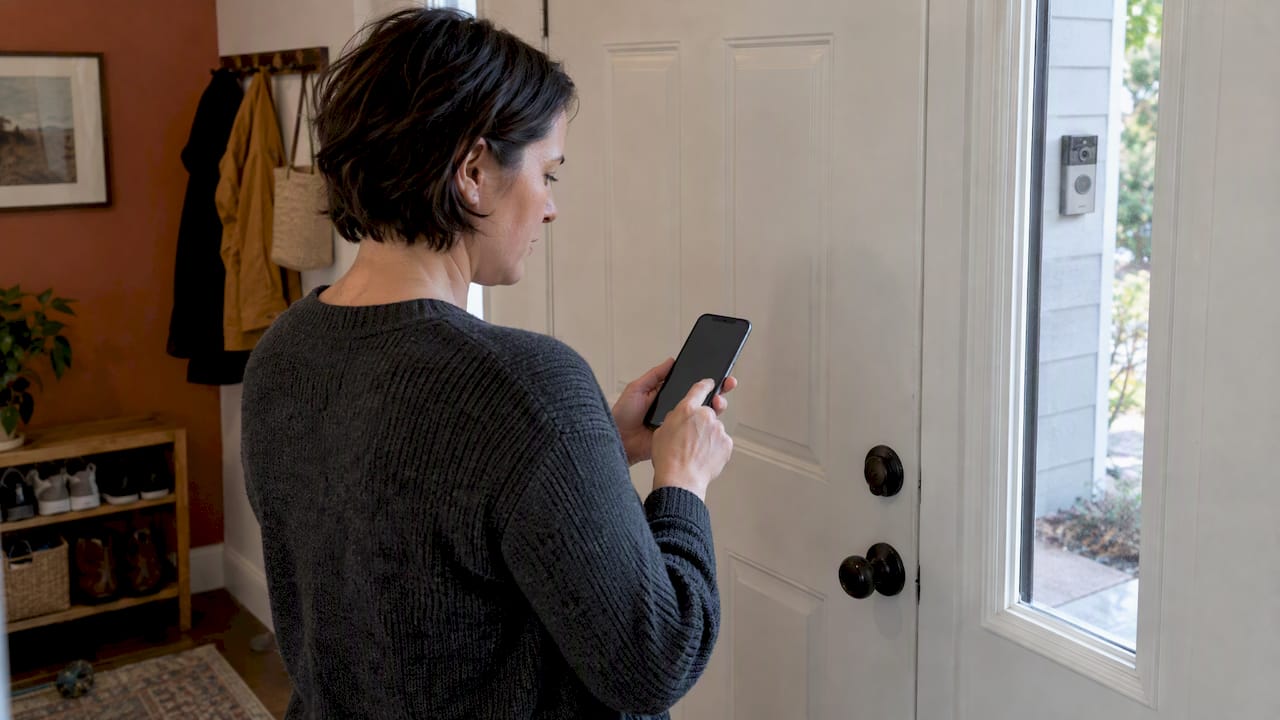
You can keep a video doorbell without surrendering your privacy. Limit cloud sharing, choose local control or true end-to-end encryption, turn off audio by default, and lock down your account with strong passwords and multi-factor authentication. Know your rights before handing footage to police, and lean on resources like privacy-first guidance to make smart choices from day one.
TL;DR:
- Choose end to end encryption only when you control the decryption key; local storage avoids vendor servers but usually sacrifices automatic backup and easy remote viewing.
- Disable audio unless needed, since it can capture conversations beyond your property; test privacy masks from outside to confirm they block the intended view.
- Before sharing footage, ask whether police are making a voluntary request or presenting a warrant, preserve clips yourself, and check local rules for subpoenas.
- Use unique passwords and two factor authentication, separate cameras from phones and laptops on a guest network, and install firmware updates promptly.
- The FTC required Ring to pay more than $5.6 million after employees and hackers accessed private videos, underscoring the need to check vendor access controls.
A doorbell camera is a small recorder with a big data footprint. Every clip carries video, often audio, a timestamp, and device metadata like your network ID. That data travels from the device to an app, then to a cloud server, and sometimes to third parties for storage or processing.
Vendor practices shape who can see your footage. Some companies allow employee access for quality review or algorithm training, and retention policies determine how long clips sit on a server before deletion. The FTC required Ring to pay more than $5.6 million in refunds to many customers after finding that employees and hackers had accessed private videos without proper safeguards. That settlement is a clear signal: weak internal controls turn a home security device into a liability.
Common weak points include:
Understanding these flows tells you exactly what to lock down first: the account, the network, and the permissions you grant inside the app.
Most privacy risk lives inside app settings most people never open. Here’s a short, prioritized list to work through today.
Pro Tip: Check your settings monthly, not just at setup. Firmware updates sometimes reset sharing defaults back to “on.”
These changes take about ten minutes and close most of the easy privacy gaps a video doorbell opens. The goal isn’t to disable useful features, it’s to make sure every feature you keep active is one you actually chose.
Where your footage lives matters as much as what settings you choose. Subscription-free, local-storage cameras keep clips on a drive or SD card in your home rather than a vendor’s server. That gives you direct control over who can access footage, though it comes with trade-offs: no automatic cloud backup, and remote viewing usually depends on your own network setup rather than a polished app experience.

Cloud-first services offer convenience, viewing footage from anywhere, easy sharing with family, and automatic backup if your device is damaged or stolen. The trade-off is that your footage sits on someone else’s infrastructure, subject to their retention policy and, in some cases, employee review.
End-to-end encryption changes that equation. The Electronic Frontier Foundation explains that true E2EE means only you hold the key to decrypt your footage, so even the vendor can’t view it without your permission. Without E2EE, your privacy depends entirely on a company’s internal policy and its ability to resist legal pressure, not on math you can verify.
Before trusting any privacy claim, check:
A device that’s vague about key handling is a device whose privacy claims you can’t verify.
Where you mount the camera determines whose life ends up in your footage. A doorbell aimed too wide captures sidewalks, neighboring porches, and passing cars, turning a home security tool into informal neighborhood surveillance.
Police interest in doorbell footage usually comes in one of three forms: a voluntary request, a subpoena, or a warrant. A warrant generally requires a judge’s sign-off based on probable cause, while a voluntary request relies entirely on your consent, and a subpoena sits somewhere in between depending on jurisdiction.
Vendors differ in how they respond. The EFF reported that Ring stopped facilitating police requests for footage without user consent, a shift worth knowing about, though EFF also cautions that informal request pathways can still exist outside formal legal process.
Practical steps if you’re approached:
For jurisdiction-specific detail, our posts on doorbell camera privacy law compliance and state-level doorbell camera laws walk through next steps by situation.
Settings and storage choices only work if the account behind them is secure. A few habits close most of the remaining gaps.
Pro Tip: Set a recurring calendar reminder to check firmware and password health every three months. Security habits that aren’t scheduled tend to slip.
We believe practical privacy, not perfect privacy, through settings and device choice. The checklist above closes real gaps, but no setting replaces an account secured with a weak, reused password.
Our privacy-minded products reflect that priority, built around local-control options and setup simple enough to configure correctly the first time. Pair it with the privacy law compliance steps we’ve outlined and the Entryx™ product page for setup details, and you’ve covered the controls that matter most.
The common advice treats doorbell camera privacy as a binary: either trust the vendor completely or avoid cameras altogether. Neither extreme matches how these devices actually work.
The research points somewhere more useful. The FTC’s action against Ring wasn’t about cameras being inherently unsafe, it was about one company failing basic access controls. That distinction gets lost in headlines, and it leads people to either abandon useful security tools or ignore settings that would actually protect them.
What’s overrated: brand reputation alone. What’s underrated: reading the actual settings menu and checking whether a vendor documents its encryption honestly. If we had to prioritize one action, it’s this: confirm where your encryption key lives before you confirm anything else. Everything downstream, from police requests to employee access, depends on that single answer.
— Tony
We offer privacy-minded doorbell cameras built around local control and setup you can complete in minutes, no technical background required. Browse the Entryx™ product page or explore our full collections for more smart home options.
Before installing, confirm the E2EE and local-storage settings in your app and run through the checklist above. Smart Products. Zero Hassle.
This article is general information, not a substitute for advice from a qualified lawyer. Consult a qualified legal professional about your own circumstances before acting on anything here.
Some homeowners reconsidered Ring after the FTC required the company to pay $5.6 million in refunds following findings that employees and hackers had accessed private videos without proper safeguards. The concern centered on internal access controls rather than the camera hardware itself.
Look for true end-to-end encryption, where only you hold the decryption key, along with local-storage options, clear privacy masking, and a documented firmware update history. A device that’s vague about key control or lacks an FCC identifier is a red flag.
Independent testing has found real issues: Consumer Reports identified video doorbells sold at major retailers with missing FCC identifiers and unencrypted data transmission that exposed network details. Regulatory action has also addressed internal access failures at specific vendors, which is why checking a device’s security record before buying matters.
Yes, usually through credential stuffing, where attackers reuse a password leaked from an unrelated breach to log into your camera account. Strong, unique passwords plus multi-factor authentication close this gap, and account alerts for new logins let you catch unauthorized access quickly.
A warrant is generally required when police want footage without your consent, though voluntary sharing and subpoenas follow different rules depending on jurisdiction. Always ask whether a request is voluntary or backed by a warrant before sharing anything, and preserve the footage yourself in case you need it later.